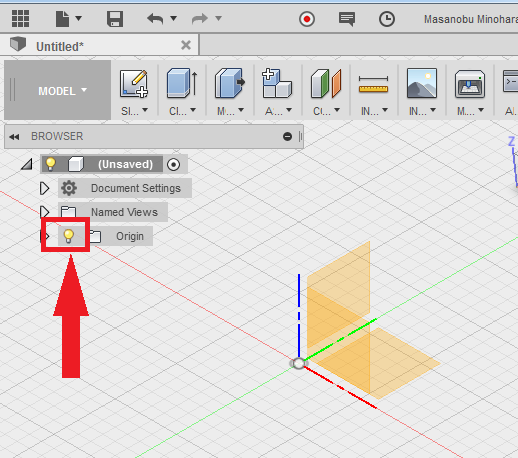
Issue:
You are creating an animation in Animation workspace and you are unable to turn off the origin display in the browser.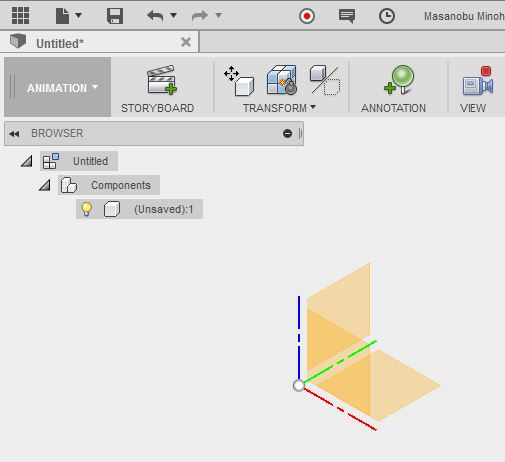
Solution:
You need to switch to Model workspace to turn off the origin display. Try clicking on the light-bulb at the Origin in the browser, then switch back to Animation workspace.