Issue:
Users reported that when importing or opening a file/design in Fusion, the file opens in direct modeling mode and contains no parametric design history.
Causes:
- Generic file types (IGES, STEP, STL, etc) do not contain timeline information.
- File was in Fusion during Direct Modeling Mode, which does not capture design history.
- Fusion does not automatically recognize parametric design history for files created in another CAD software (Inventor, Solidworks, etc).
Solution:
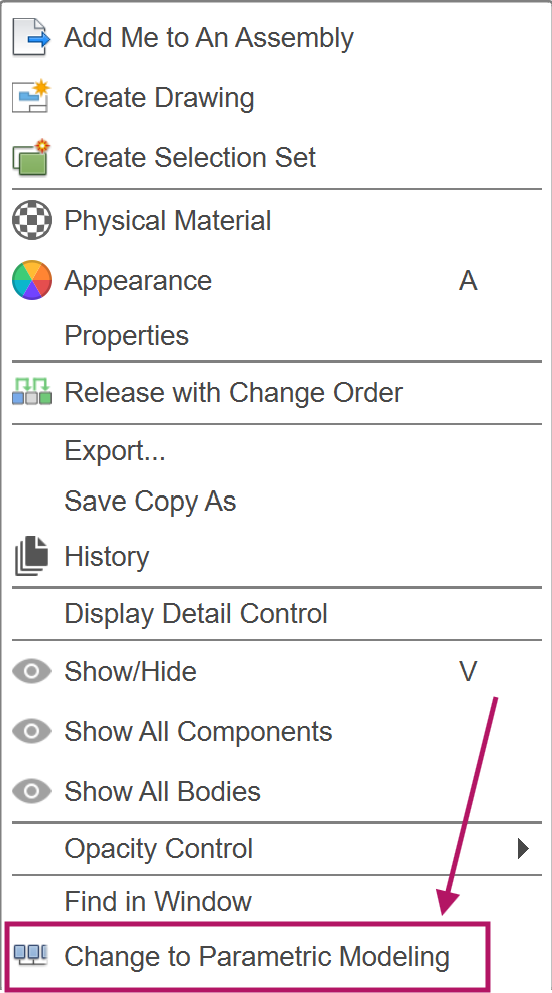
Change to Parametric modelling
Non-parametric file types and direct modeling mode Fusion files, will not import a timeline history. Once imported into Fusion, turn on the option "Change to Parametric modelling" to capture any new parametric design history.
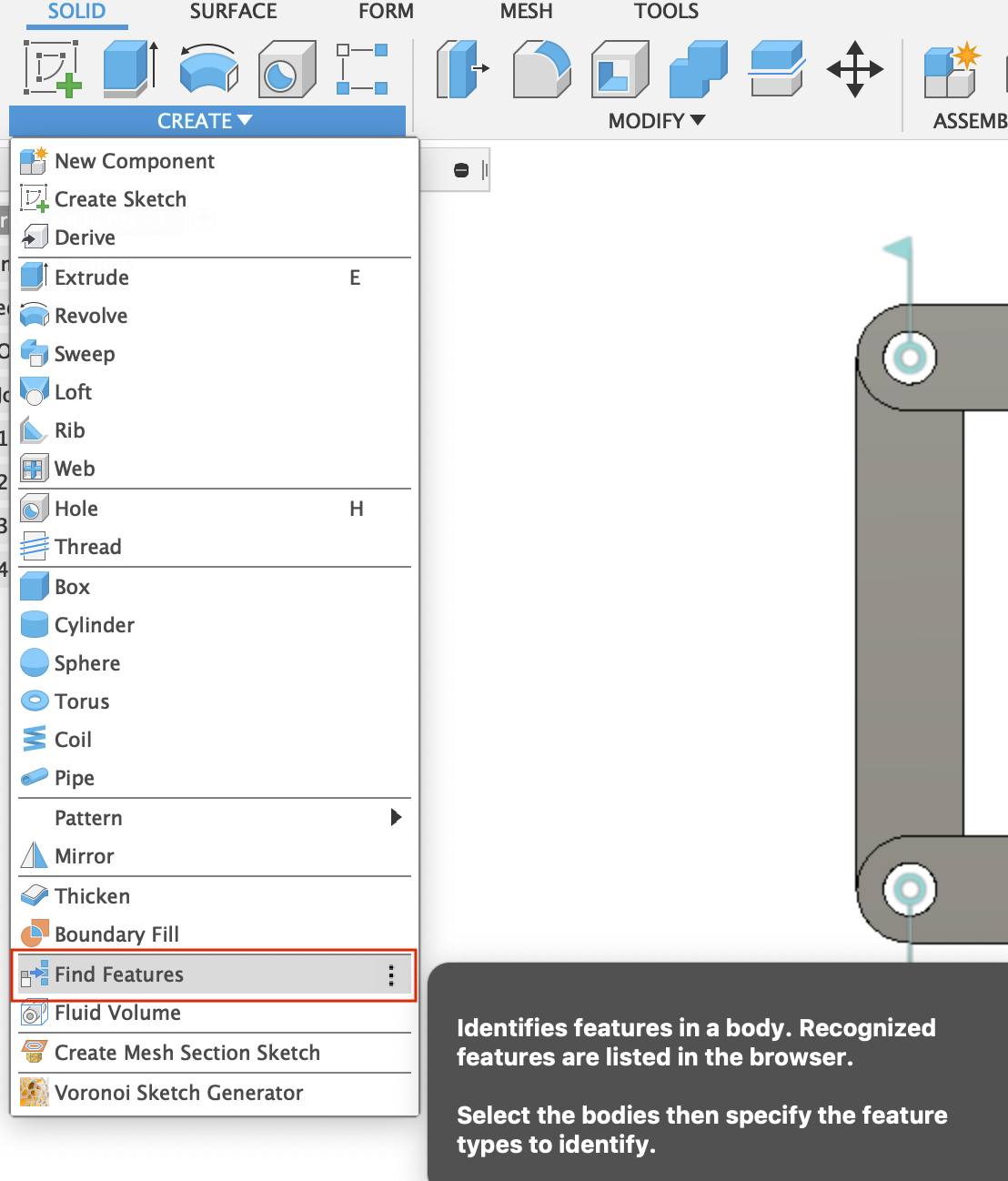
Find Features command
For files from third-party CAD software, use "Find Features" to partially retrieve parametric design features. Turn on the " Change to Parametric modelling" to continue working with the parametric design history.
Note: Find Features is only available in direct modeling mode. Do not turn on Capture Design History until after the Find Features command is used.