
Issue:
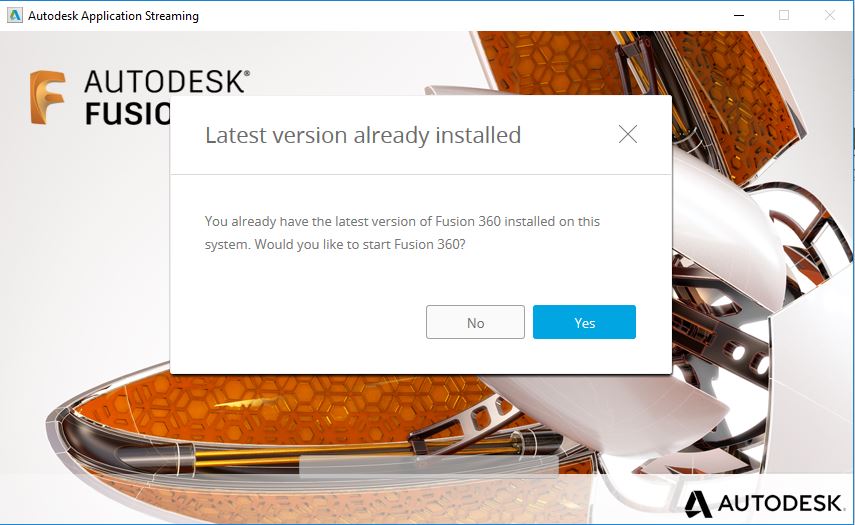
When attempting to install or update Fusion, the following message appears:
Latest version already installed
You already have the latest version of Fusion 360 installed on this system. Would you like to start Fusion 360?
Causes:
- The latest version of Fusion is already installed on this system.
- The shortcut icon has been removed from the desktop (Windows) or the dock (macOS), making the program look like it is no longer installed.
Solution:
If Fusion does not start when clicking "Yes" on the message dialogue, see the following solutions:
Repair Fusion using the Service Utility.
See Overview of Repair Fusion 360 Command from Fusion 360 Service UtilityIf the shortcut icon has been removed, add it back in.
Note: Disable any security program, firewall, antivirus, and web-filters before running the installation.
If the above doesn't solve the problem, perform a manual clean uninstall and reinstall Fusion 360.