Solution:
See the following on notes for linking Fusion Team with Autodesk User Management:
- Only Fusion Team hubs are going to be linked with Autodesk Account. You are encouraged to migrate your Projects from your Personal Team hub (a.k.a. Single Storage hubs) to Fusion Team hub as early as possible.
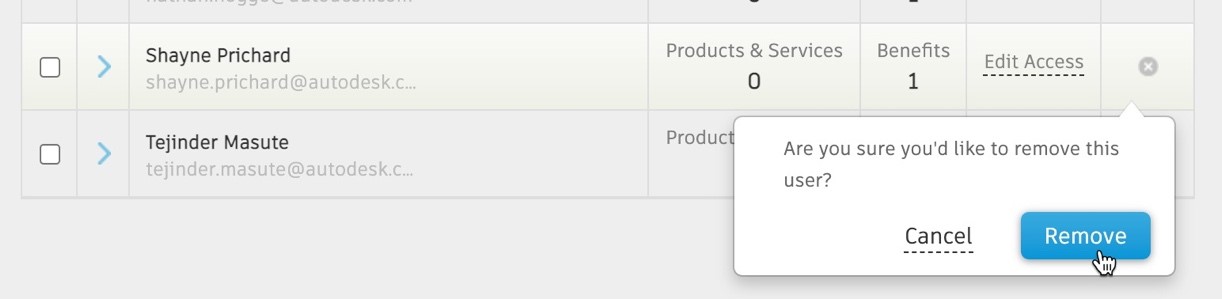
Primary Admin of Autodesk Account will be deemed as the Data Owner of all the linked Fusion Team hubs. Primary Admin of Autodesk Account will be able to remove anyone (including the Fusion Team hub owner and Fusion Team Administrators) from the Autodesk Account, and by that extension, from all the linked Fusion Team hubs.
Fusion Team hub owners will continue to have administrator rights of the Fusion Team hub as they have today.
All Fusion Team hubs are getting linked to an Autodesk Account.
If the Team Hub Owner of the Fusion Team hub is a Primary Admin of only a single Autodesk Account, the Fusion Team will be linked with it.
If the Team Hub Owner of the Fusion Team hub is a Primary Admin of multiple Autodesk Accounts, the Fusion Team will be linked with the latest one.
- If the Team Hub Owner of the Fusion Team hub is not a Primary Admin of any Autodesk Account, then a new Autodesk Account will be created with the Team Hub Owner as the Primary Admin of the newly created Autodesk Account and the Fusion Team will be linked with it.
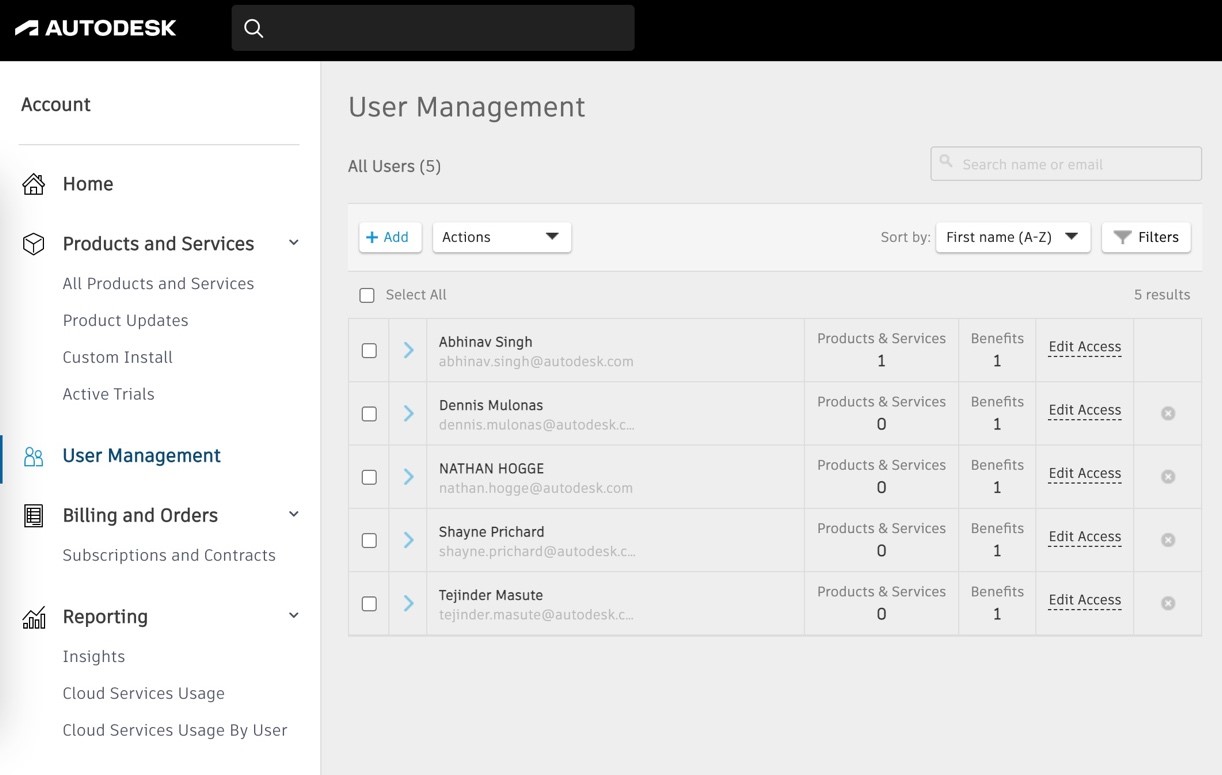
All the members present in the Fusion Team(s), in any role, will start appearing in the ‘Users’ section of the linked parent Autodesk Account.
If a user is removed from an Autodesk Account, that user will become INACTIVE in all the linked Fusion Team(s).
Support request for Team Hub Owner’s change will not result in change of Primary Administrator of the linked Autodesk Account. If the Primary Admin of the Autodesk Account also needs to be replaced, then this needs to be explicitly mentioned in the support request.