
Issue:
Material Libraries (custom or default) are missing from the 3ds Max Material/Map Browser. Scenarios include:- After opening a scene.
- A period of inactivity.
- After transferring machines or hard drives.
If a custom library is loaded into the Material Editor, the library's "+" icon is displayed, but clicking it will not expand the library. It appears as an empty roll-out instead.
Environment:
This article applies to the operating systems listed. If your operating system is not shown, it may be because it is not supported or because support information is not yet available. For details on operating systems no longer supported by the vendor, see Product Support Lifecycle.Causes:
Includes, but is not limited to:- Wrong render engine is selected.
- Possible UI corruption.
- Paths to the material libraries can no longer be found by 3ds Max.
- Unlicensed 3rd party plug-ins.
Solution:
The solution may require one, or a combination of the following:Validate plug-in licenses:
Check that the plug-in (For example VRay, Corona) is correctly licensed before starting 3ds Max.Change the active render solution:
In Render Setup (F10), change render solution from Scanline (or another engine) to the correct, supported renderer for the current Material Library being accessed.Note: Material Libraries are render engine dependent and will not display with an unsupported render engine selected.
Update material paths
Reload any newly changed paths for the missing material libraries in the 3ds Max Configure User Paths dialogue, especially after moving machines or hard drives.Enable the library during install
Run the 3ds Max installation again. Check that the Material Libraries is enabled.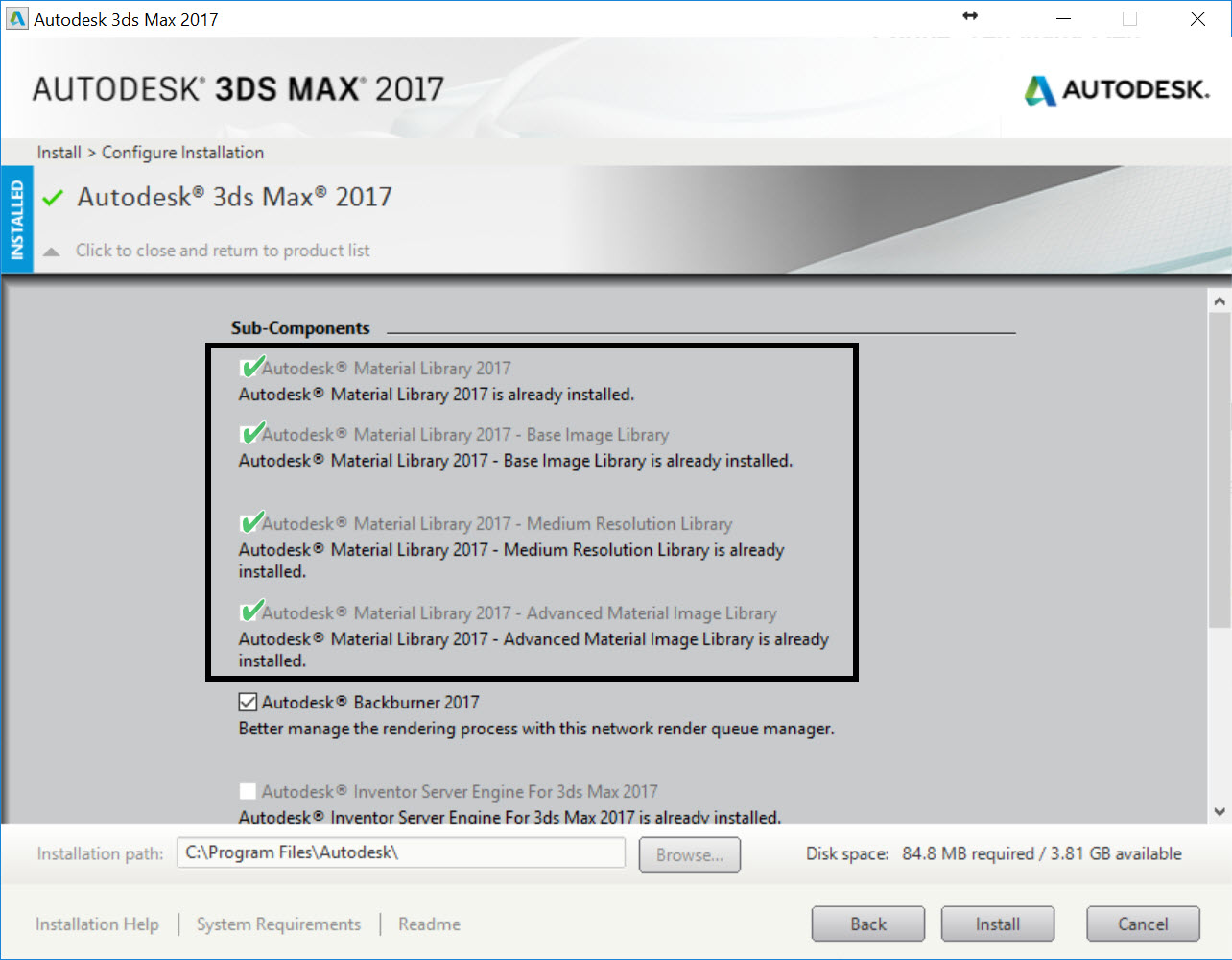
The Material Library installer files can be found in the following location:
C:\Autodesk\Autodesk_3ds_Max_version number_EFGJKPS_Win_64bit\Content\ADSKMaterials\<Version Number>
Reset the preferences.
Follow the guide here resetting the user preferences to reset 3ds Max to defaults and remove any corruption.Also check:
- Firewall settings if the library is located on a network.
- The User privileges on a shared network mapped drive.
- The state of the network in general, as there could be potential intermittent hard drive failure.