
Issue:
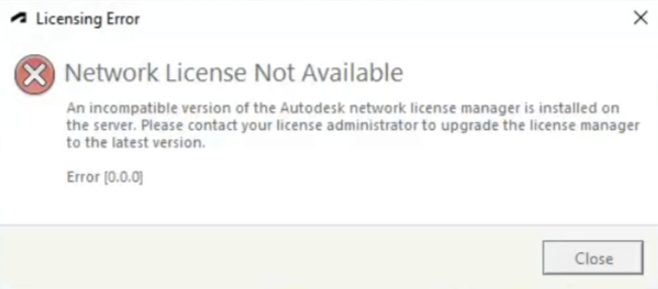
When launching an Autodesk product, the following message appears and the software will not start.
Network License Not Available
An incompatible version of the Autodesk Network License Manager is installed on the server. Please contact your license administrator to upgrade the licensing manager to the latest version.
Error [0.0.0]
Environment:
- Windows 10
- Windows 11
Causes:
Network License Manager (NLM) running on the license server older than the one required by the client's Desktop Licensing Service.
- Desktop Licensing Service (AdskLicensing 12.2) requires NLM v11.18 to ensure compatibility. If the NLM version is lower than 11.18, the error is shown.
- NLM .exe files on different versions, like adskflex.exe on v.11.16 and lmgrd.exe, lmutil.exe, and lmtools.exe on v.11.18
Solution:
Review the following solutions:
Update the Autodesk Network License Manager (NLM)
Note: Consult the System Administrator if necessary to perform this step.
Get the latest version of NLM:
- Upgrade NLM, see: How to upgrade Autodesk Network License Manager (LMTools).
- To verify the latest version of the Network License Manager, adskflex and lmgrd daemons are installed perform a status enquiry in LMTOOLS after starting the license service.
Rollback the Autodesk Desktop Licensing Service update
If the update to the latest Autodesk Network License Manager is not immediately possible, uninstall the latest version of Licensing Service and install an older version by doing:
- Run, as Administrator, the "uninstall.exe" file located in C:\Program Files (x86)\Common Files\Autodesk Shared\AdskLicensing.
- Download and install the AdskLicensing version 12.0.1.5.
Note:
This is only a temporary work-around until version 12.2 is installed again (through a new install).
A permanent solution would be to update the NLM as described.