
Issue:
Users reported that when launching an Autodesk 2017 or newer product for the first time after installation, the Let's Get Started window is shown. The Single User or Sign In option is missing and it is not possible to activate a single-user license.
Versions 2020 and later:
Expected behavior:
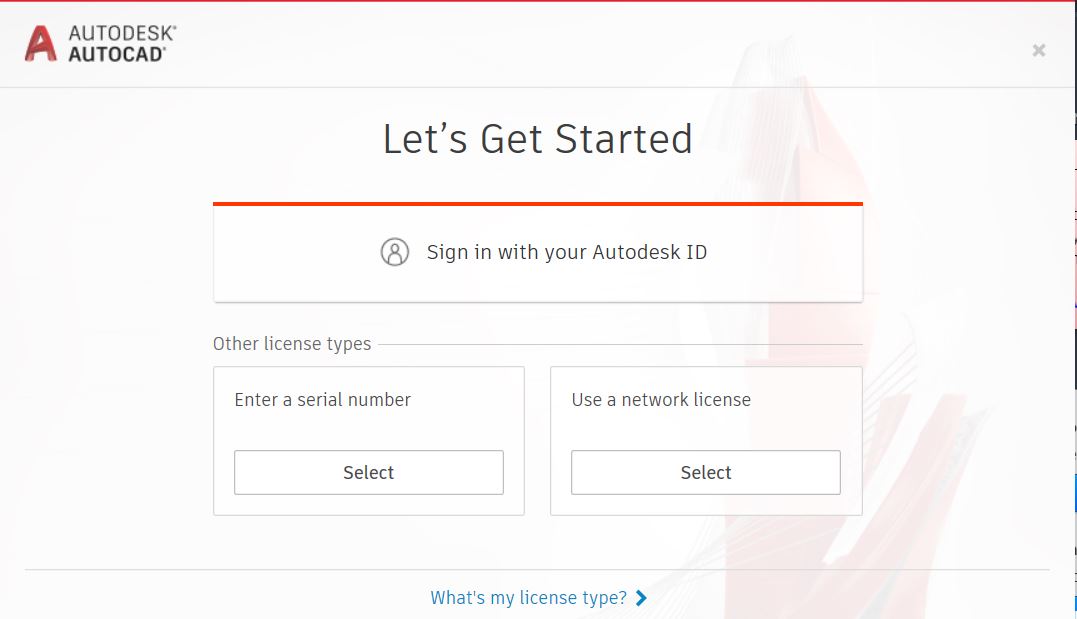
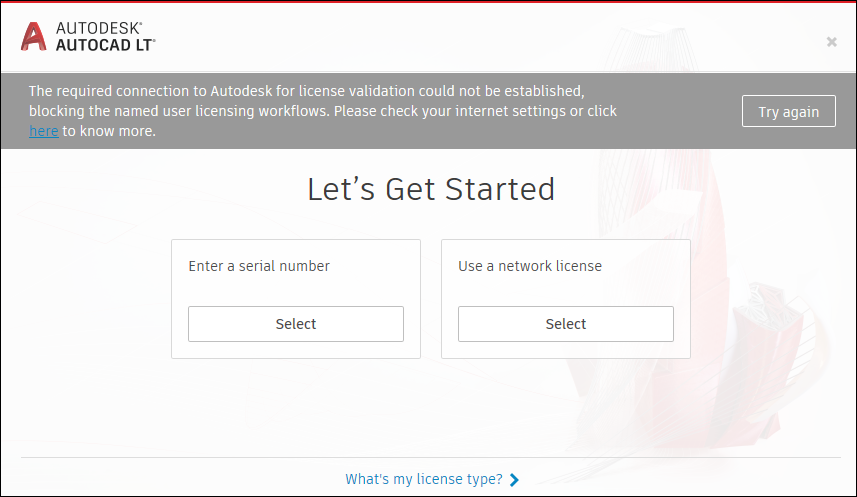
Missing Sign-in option when the connection is filtered by a proxy:
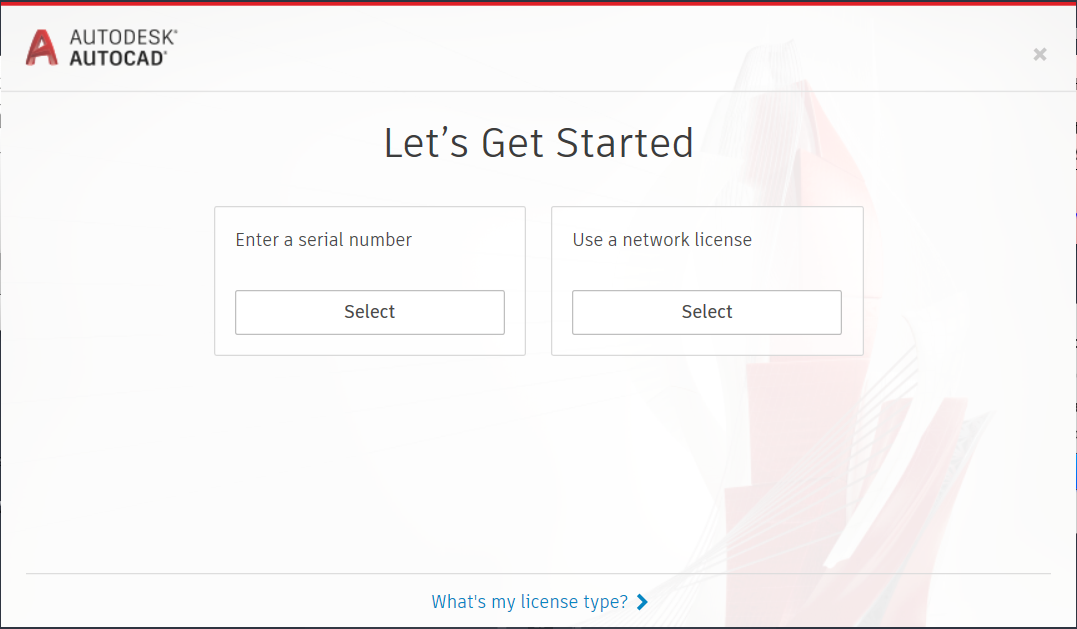
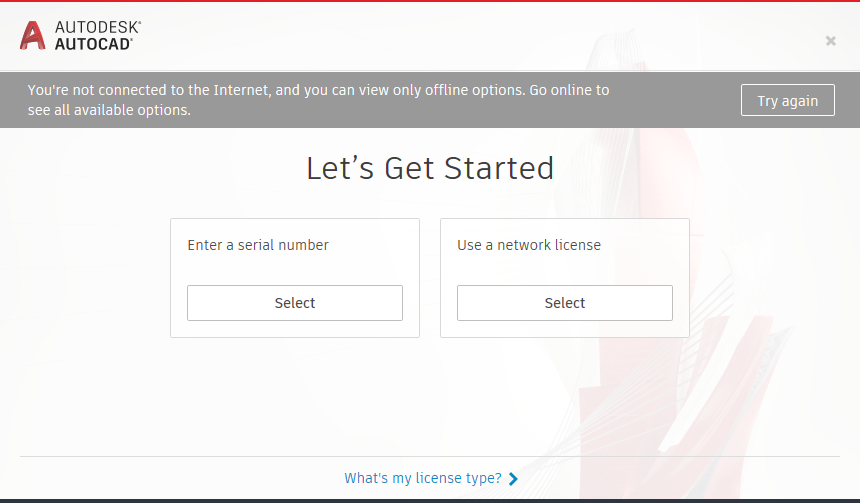
Missing Sign-in option when the system is not connected to the Internet or HTTPS inspection is enabled.
You're not connected to the Internet, and you can view only offline options. Go online to see all available options.
Versions 2019:
Expected behavior:
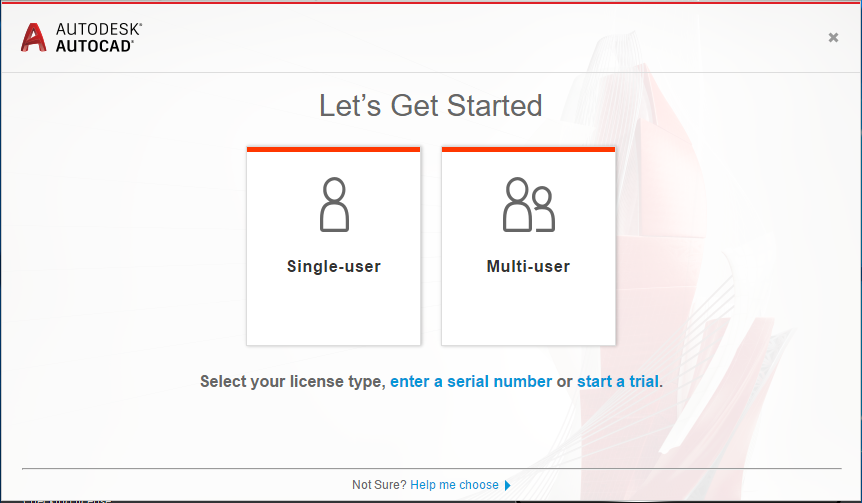
Missing Single-user option:
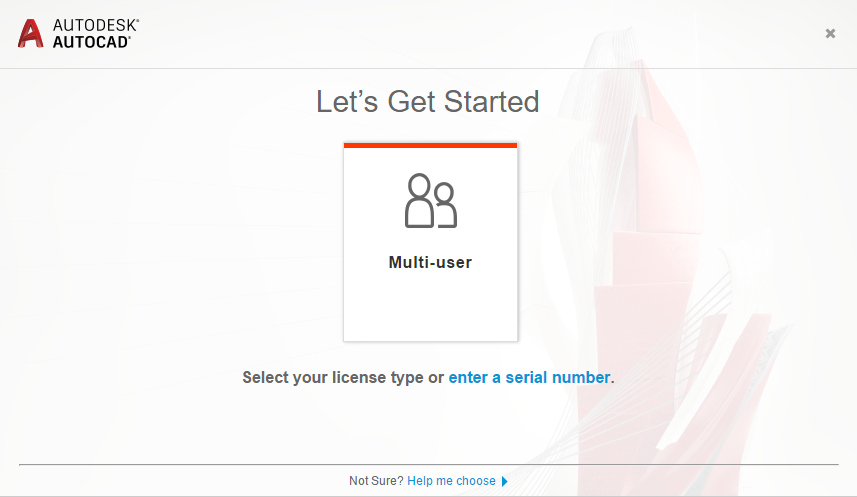
Versions 2017/2018:
Expected behavior:
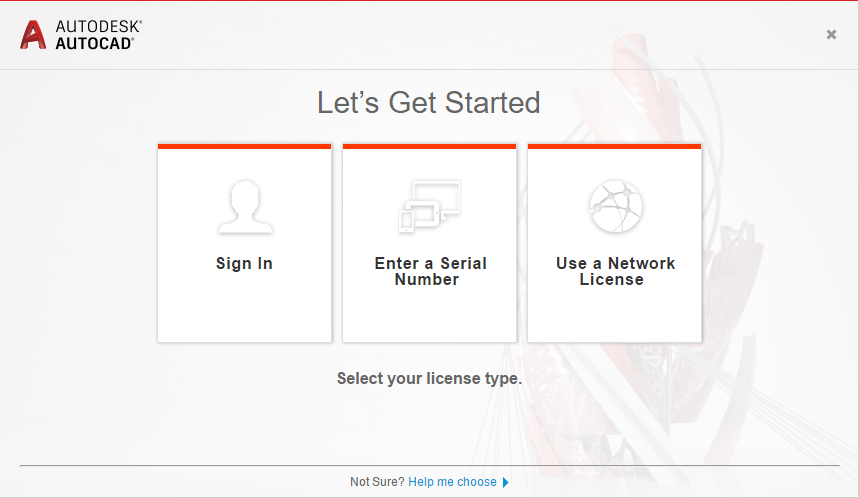
Missing "Sign In" option:
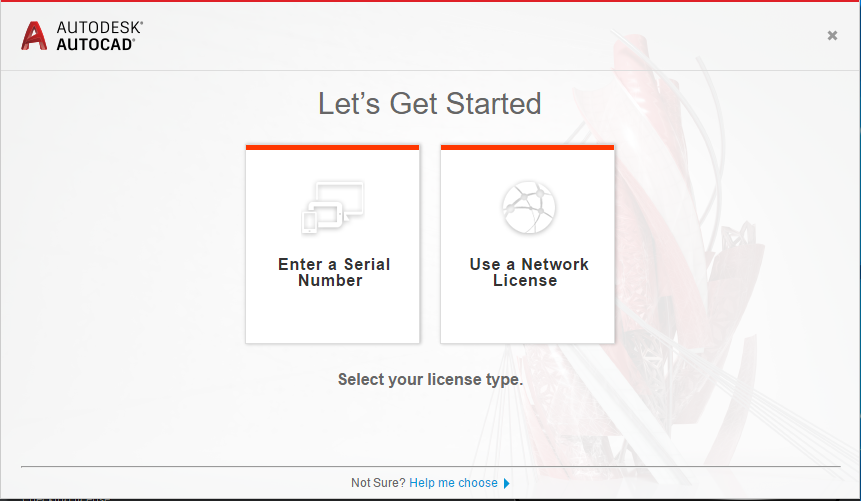
Note: In all of the above cases, an attempt to activate via "Enter a Serial Number" results in the error "Establish an Internet connection" or the software running on a 30-days trial.
Causes:
Possible causes include:
The system is not connected to the internet.
Proxy/firewall filtering the Internet traffic.
Certificates Sites are blocked and unable to download Certificates.
HTTPS Inspection hinders communication to *.autodesk.com domains.
Antivirus software.
Solution:
First, ensure that the system is connected to the internet (e.g. open an internet browser and navigate to Autodesk website).
Then, try the following solutions on systems that have a working internet connection:
Note: You may need to consult with your Network/System administrator to perform some of the below steps.
Verify your network settings
Consult with your network administrator and make sure that the Autodesk domains can be reached through any proxy and/or firewall and that no HTTPS/SSL Inspection is performed for the same. See: Which URLs/Protocols need to be allowed for Autodesk Subscription Licensing.
To verify the required URL access state, install the Licensing Support Tool and run the following command: AdskLicensingSupportTool -u.
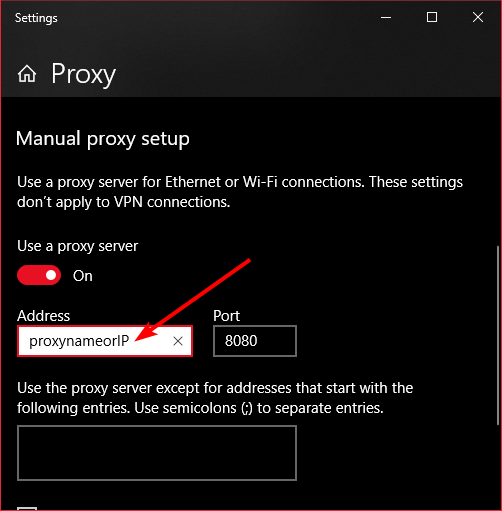
When using a proxy, verify no http/https protocol is specified in the Proxy address field in Windows. Only enter the proxy server name or IP address.
Reset the local login cache
See: How to reset local login cache for Autodesk desktop software.
Check if TLS 1.1 and TLS 1.2 are set as default secure protocols (Windows 7 only)
See Sign In option missing when launching an Autodesk software on Windows 7.
Firewall or antivirus exclusion
If there is a firewall or antivirus security program running, disable the program from running or add exclusions to it. See How to set up antivirus (AV) exclusions to improve stability and performance of Autodesk software.
Check the following resource for conflicting applications: Autodesk Licensing Service: Known Conflicting Applications.
Install the latest product updates
Find the most recent updates through Autodesk Access or the Autodesk account and install them.