
Issue:
From Autodesk Fusion Service Utility, there is a command to Repair Fusion.
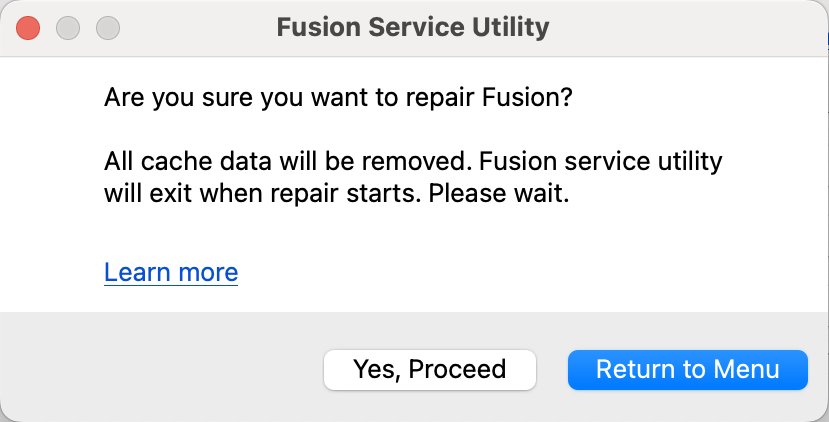
Fusion will rerun the installer to repair Fusion. Locally cached design files (local storage, upload queue, and recovery files) are not harmed during this process.
This solution is recommended for issues related to corrupt installations (for example, missing DLL warnings) or difficulties with updating Fusion.
Solution:
- See How to launch the Fusion Service Utility to open the tool.
- Run the Repair command listed in the Service Utility to rerun the installation. Despite product messaging, no cache data will be removed during the Repair, and all files / projects saved in the cloud and local cache will remain
Note: When running Fusion360.exe is detected, the following message will appear:
We have detected another instance of Fusion running. It will be closed automatically if you proceed with the repair.
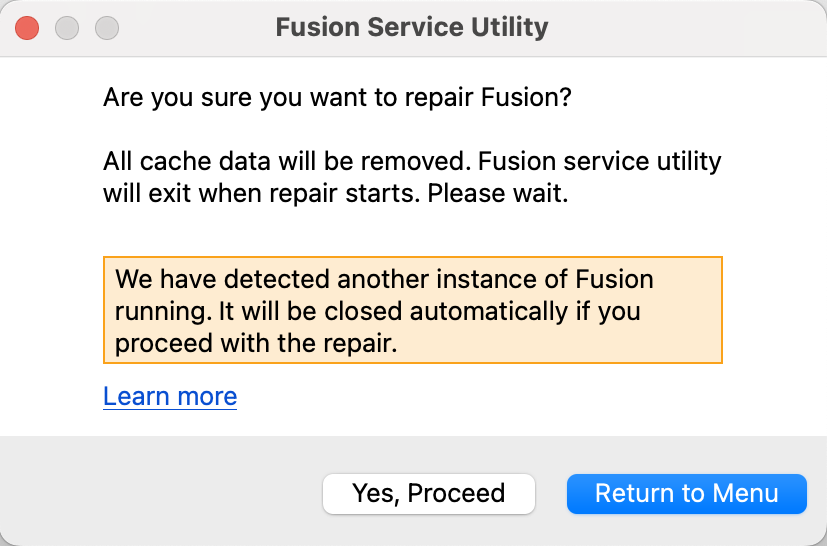
The message will not prevent you from running the repair.