
Issue:
Users reported that a Setup Sheet created by NC Program in Fusion does not list a certain tool or replaces it with an incorrect tool.Causes:
- The upgraded post engine is not compatible with the post processor being used.
- Fusion is on older version.
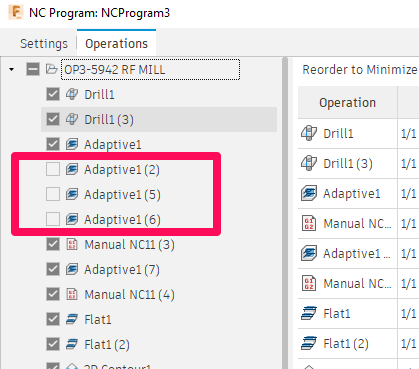
- Operations are not selected in the "Operations" tab of NC Program.
Solution:
Include all operations
Check that all operations are selected in NC Program.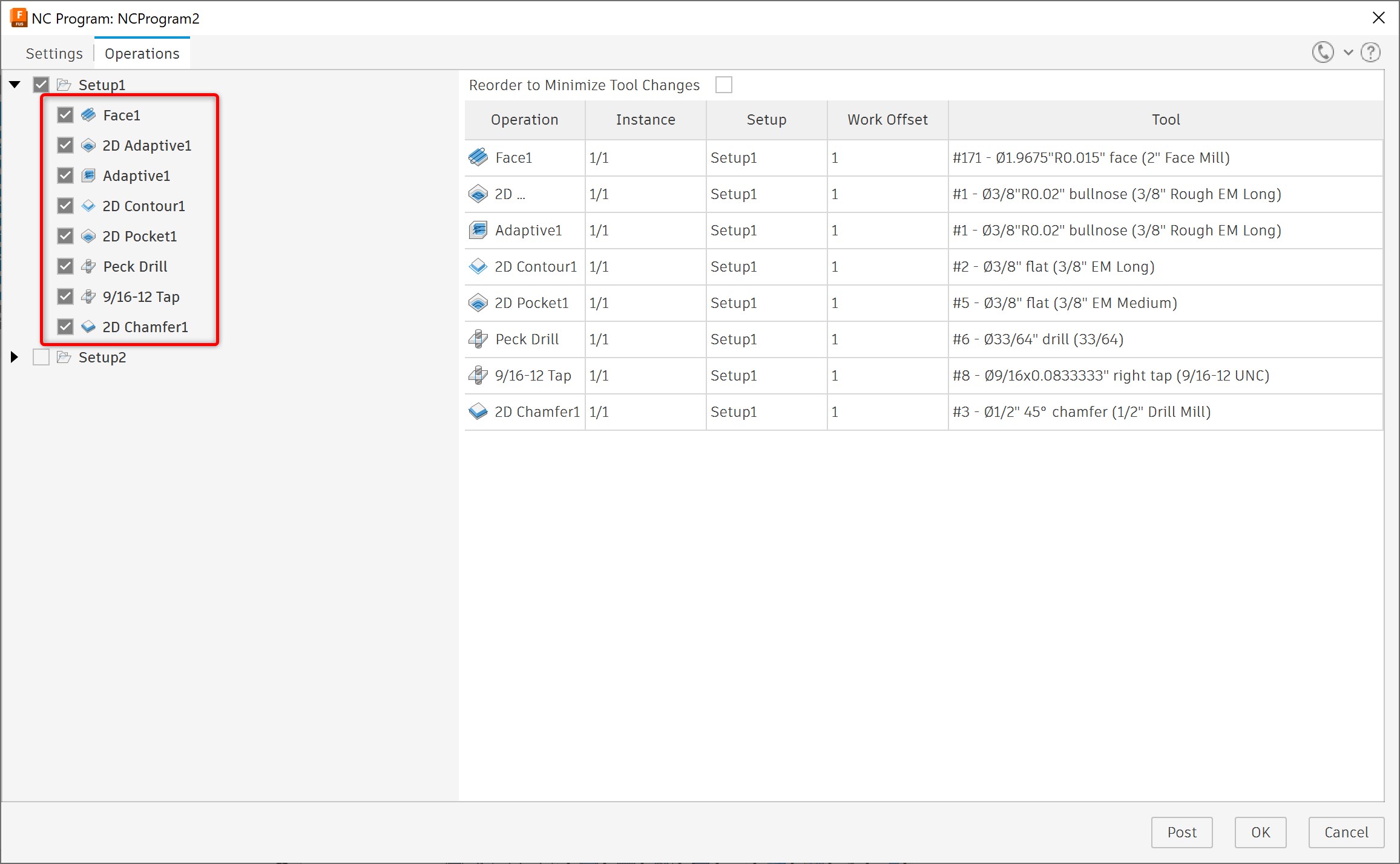
Use the latest post processor
- Visit the Post Library.
- Search for the post processor you are using.
- Install the latest post processor: How to install a Post Processor in Fusion
Clear cache
Clear cache data
Fusion update
Update Fusion to latest version.
Adjust preferences
Deactivate "Use Upgraded Post Engine" option in Fusion preferences.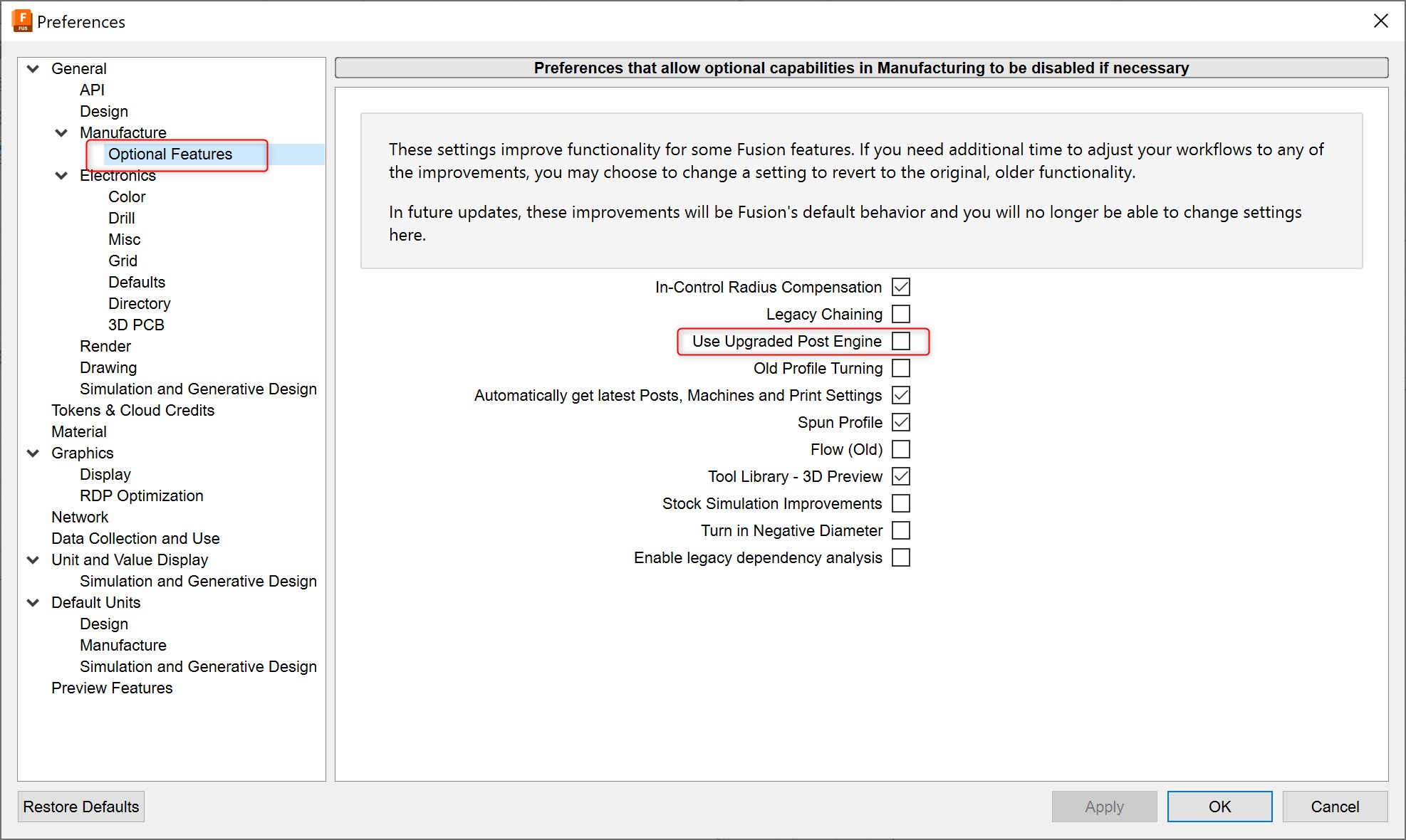
Restore preferences to defaults
How to reset to the default display in Fusion
Edit the tool Offset
- Go to Edit tool.
- Go to Offset tab.
- Change the number to a different number way out of range
- Again replace the same number with the older one.