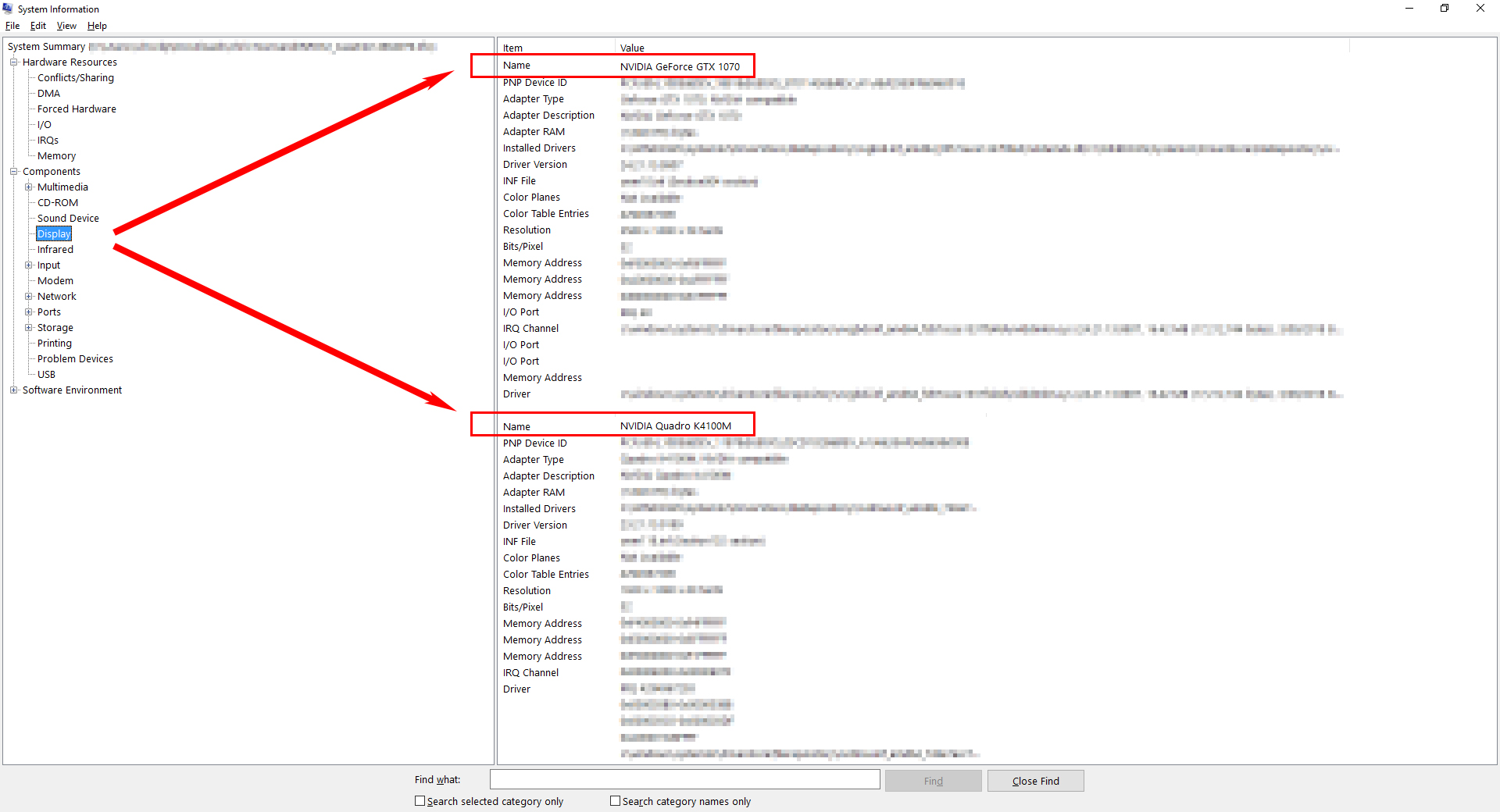
Issue:
At work with 3ds Max 2019, the viewport freezes occasionally, works again and freezes again.Causes:
The freezing behavior of 3ds Max is often caused by a graphic card which is not capable or supported (f.e. Intel Onboard graphics or older cards) and more than one graphic card is installed on the system, so the behavior is not expected.Solution:
In order to check the graphic card setup of the machine, follow these steps:1. Press Windows tab and "R" to bring up the CMD/ Run - window.
2. Type in MSINFO32 and press OK.
3. The System Information window comes up.
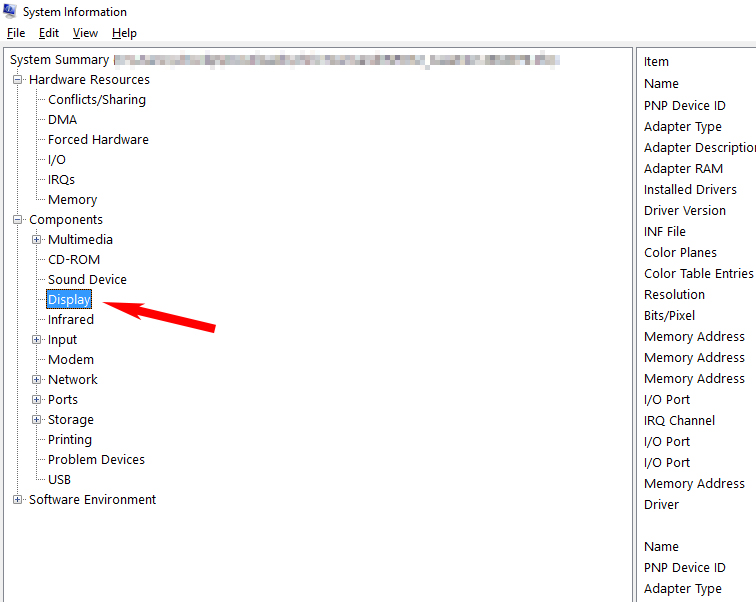
4. On the left side of the window, in the System Summary tree, search for Display at the Components group:
5. Check, if more then one graphic card is listed and deactivate the graphic card which should not be active. This can be done either in the BIOS settings or by removing the graphic card from the computer physically.