It is important to understand the basic concepts of how Alias manages objects. This is fundamental to how objects are picked and manipulated.
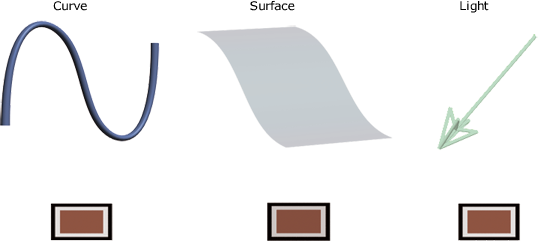
There are many different types of objects in Alias, but almost everything that exists in your scene follows the same basic principles. To begin, many objects, like curves, surfaces, and lights, are handled similarly. All these objects can be abstracted to a single unit, or entity.
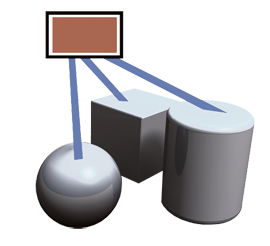
Individual objects can be grouped together to form a 'new' object. This concept is an essential aspect of Alias. You will find some preset objects have separate components. More importantly, as Alias is a surface modeling package, any single part of a model can be made up of many separate surface patches. You will be using the Group functionality (Edit Group from the menu bar) to help collate individual objects. In Alias, you create groups within groups, which is helpful for managing objects with many parts.
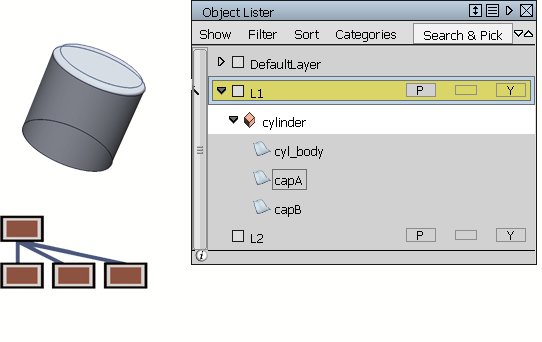
This cylinder is made of three separate surfaces, grouped together into one object. Using the Object Lister (WindowsObject Lister), you can view objects in your scene to see group relationships. The Object Lister also helps you select objects and serves as a layer manager.