Each object has its own pivot point; a group has a pivot point and each of the components that makes up the group has its own distinct pivot point as well. You will find taking advantage of pivot points to be invaluable when manipulating objects.
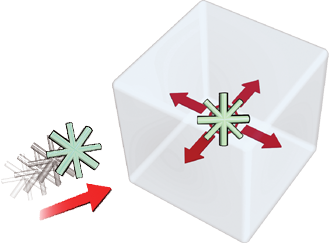
When new curves, surfaces, or groups are created, the pivot point is automatically created at the origin (0,0,0 in coordinate space). Exceptions are primitive surfaces (Surfaces Primitives) and curves created with the CurvesNew Curves tools.
LocalSet Pivot from the palette to better control how your objects behave. 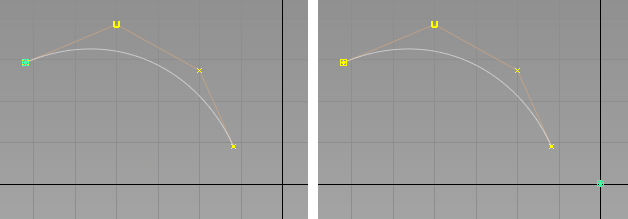
Left: pivot at start of curve. Right: pivot at origin.
 |
 |
 |
|
Like a hinge, the location of the pivot defines the point of rotation. |
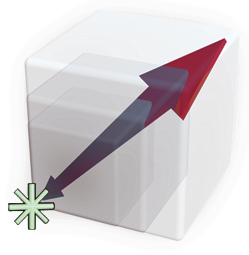
An object scales up and down from the pivot point. |
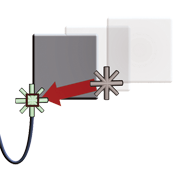
The pivot does not affect free movement of objects unless the object is being snapped to a specific target. |