The Duplicate and Array tools in Alias offer similar functionality to the Array tools in Rhino. Again, pivot point placement and grouping help provide the desired results.

|
Transform Creates arrays of objects, either linearly or radially, from duplicates of an original object (or set of objects). Options let you create various patterns. This tool is useful when modeling objects such as grills, speakers, wheels, and so on. |

|
Edit Makes copies of existing objects. |

|
Edit Mirrors object based on the XY, YZ, or ZX planes selected via the option box. |

|
Transform
[Rhino: no equivalent tool] Duplicates one or more objects and places the copies at equal distances along one or more curves, creating "stitch patterns". |

|
Transform
[Rhino: no equivalent tool] This tool takes an input set of targets and automatically duplicates and places the copies along curves (free curves, curves on surface, isoparms, trim edges and patch precision curves), continuous sequences of curves, or locator points (currently restricted to locator points on surfaces). The tool also enables you to specify how these copies are positioned along the selected curves and points. |

Snapping
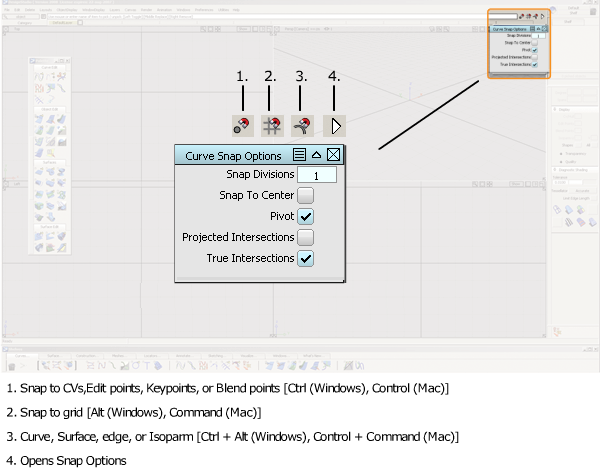
Alias offers similar snapping tools to those found in Rhino.