Instead of a Special View Block on the right side of the ICEM screen, Alias has the ViewCube and NavBar, which appear in the top right corner of the perspective window when viewing with the Shift + Alt + Mouse (Windows) or Shift + Command + Mouse (Mac) buttons.
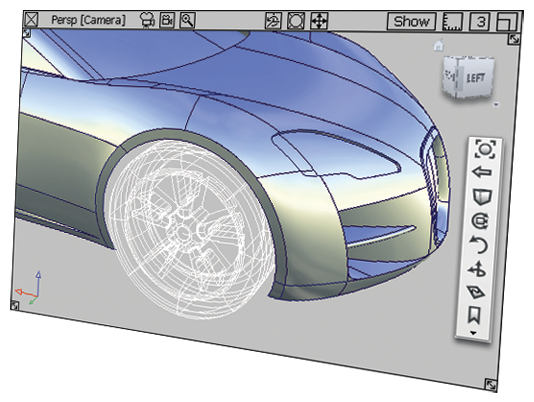
Alias doesn't use the concept of a separate work plane and view plane.
In a 3D view, only the XY (ground) plane is shown as a grid. Objects can be placed on this ground plane using grid snap. Otherwise, objects are positioned by snapping them to points on existing geometry, and motion is controlled in the x, y and z directions using the mouse buttons.
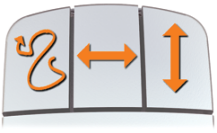
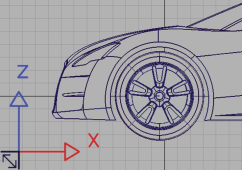
This changes when you switch to a 2D orthographic view (with no perspective). You can freely place objects and they are drawn on the plane of the view (similar to setting the work plane the same as the view plane in ICEM). The mouse buttons also switch to a drawing board mode (free / horiz / vert) which allows for quick and accurate control of geometry.

 |
 |