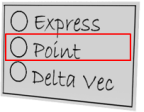
In the ICEM Control Point window, the Point option opens a Selection window to specify around 20 different types of points: end points, corners, edges, etc.
Alias has a simpler approach, where there are only three things you can snap to — grids, curves and points — which are specified by holding down a combination of the Ctrl and Alt (Windows) or Control and Command (Mac) keys when clicking on the desired geometry.