There are many pick tools in the palette, but Pick Object and Pick Component are the main tools for selecting objects in your scene. Pick Object always selects the top of a group. Pick Component always selects the individual entities, never the group.
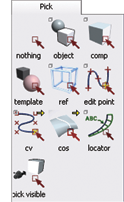
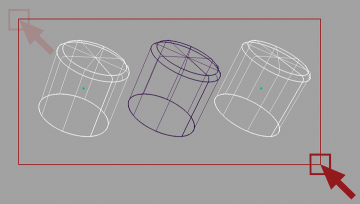
To pick, choose a pick tool, click on or draw a marquee over the object you want to pick.
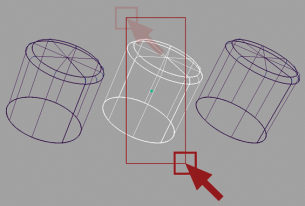
To add more objects, click on them. To remove them from the set of picked objects, click on them a second time.
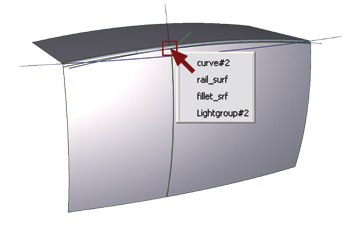
When you click an area with more than one valid object to select, a Pick Chooser appears. Clicking on the list lets you easily and accurately make your selection.