The Utility Bar contains two sets of tools.
Tools related to the cloud: 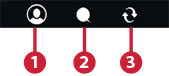
- Sign in to your Autodesk account.
- Discuss your infrastructure design with others using Design Feed.
- Publish your model for the first time or sync updates.
Tools that you will need across many phases of your work: 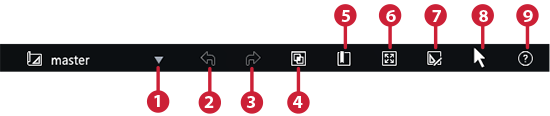
- Switch active proposals.
- Undo.
- Redo.
- Control visibility, display, and selectability of features with the Model Explorer.
- Bookmark locations.
- Display your model in full-screen mode.
- Switch to edit mode.
- Switch to selection mode.
- Get help.