Full screen mode lets you see the largest possible view of your model. 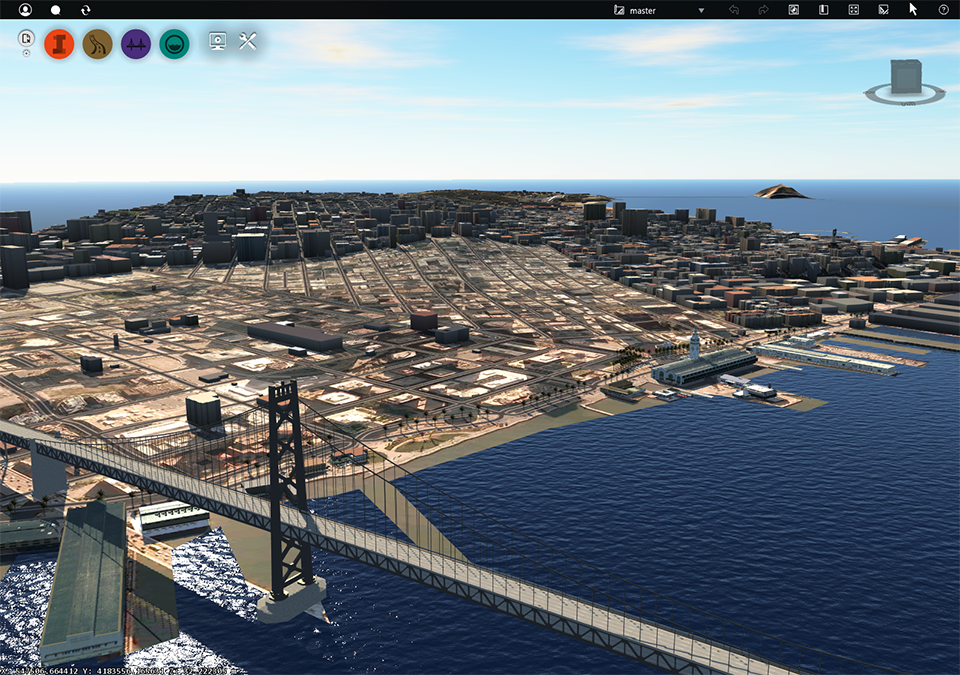
Individual elements that were displayed before you switched to full-screen (for example, panels, the toolstrip, the ViewCube, and so on) remain visible until you turn them off. You display and hide windows using their keyboard shortcuts. For a full list, see Keyboard Shortcuts.
To enter and exit full screen mode, press the F11 key.