After selecting Footer from the left panel of the Table printout manager dialog, the right part of the dialog displays as shown.
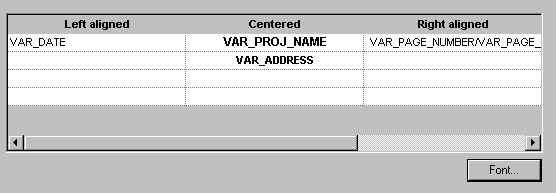
To change a footer layout, click in the table field that displays the footer you want to change. From the list of available formats, select the format you want to use. When the cursor is in a footer layout field and you click Font, a dialog opens where you can specify the font for the selected field.