Use this dialog to define parameters for elements that adjoin the selected element type. These parameters determine the length of adjoining elements in a drawing.
To display the Adjoining elements dialog:
- On the Drawing templates manager dialog, for Drawing components, select Adjoining Elements
- Click New or Modify.
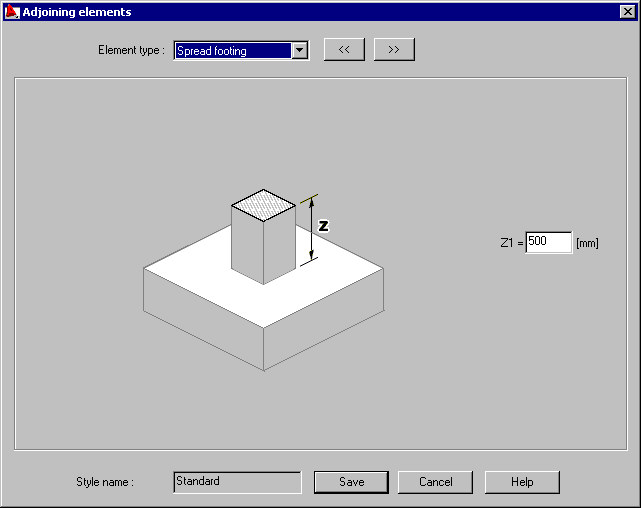
In the Adjoining elements dialog, specify dimensions that form the surroundings of a selected element type.