Using this dialog, you can specify which drawings will be generated (and in what scale) for selected types of structure elements.
To display the Drawing layout dialog:
- On the Drawing templates manager dialog, for Drawing components, select Drawing layout
- Click New or Modify.
For Style name, enter a name for the component style, and click Save (this is only available when creating a style, not when modifying an existing style).
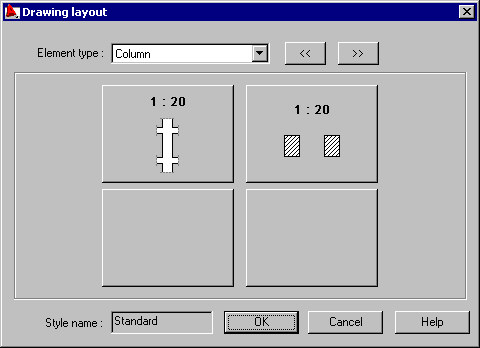
The dialog presents layout of views/plans to which the views or section elements can be assigned.
Clicking an icon that symbolizes a generated drawing will display the additional dialog Drawing components.
If an empty icon displays for a selected drawing layout and a selected structure element type, the field does not contain a drawing.