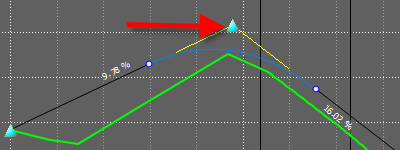
Use vertical manipulators to edit the vertical geometry of design roads. To use vertical manipulators, you must pitch the model and view the design road at an angle.
To use horizontal manipulators, you must display the road in plan view.
- Endpoint adjusts the level of the start or end point of a road.
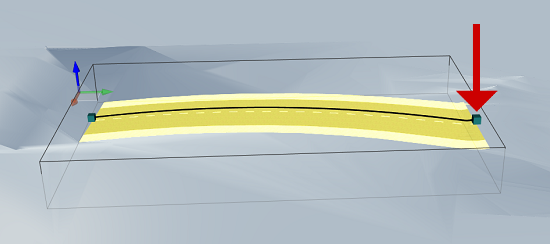
- Tangent point modifies the start or end point of a vertical curve. This manipulator also affects the curve length.
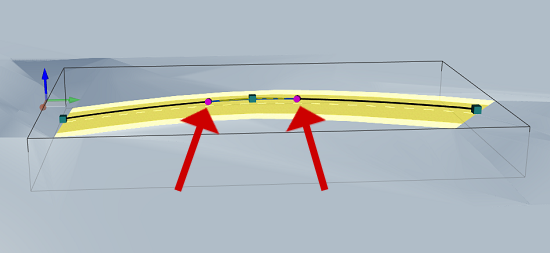
- Vertical intersection point (VIP) in model modifies either the chainage or level of a VIP. When the manipulator is selected, guides indicate the range of movement. This VIP manipulator may be moved along only one axis at a time.
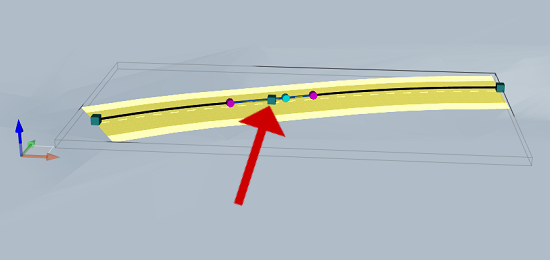
- High Point/Low Point of Curve indicates the zenith of a crest curve, or the nadir of a sag curve. This glyph is for reference only and can not be moved like the other manipulators.
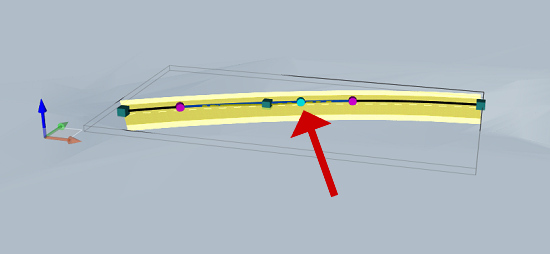
- Maintain Straight Gradient moves a VIP, maintaining one straight gradient while adjusting the adjacent straight gradient. Curve radius is maintained.
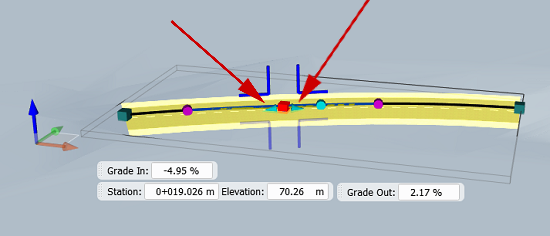
- Vertical intersection point (VIP) in Profile View moves a VIP in any direction. This VIP manipulator can modify chainage and level simultaneously. In the profile view, you can select several PVIs using either the Ctrl or Shift key and then move multiple PVIs at the same time.