Use horizontal manipulators to edit the horizontal geometry of design roads. To use horizontal manipulators, you must display the road in plan view.
To use vertical manipulators, you must pitch the model and view the design road at an angle.
| Endpoint moves the start or end point of a road. When the endpoint grip is moved, the level adjusts to match the existing ground. |
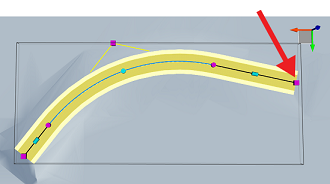 |
| Midpoint moves a straight. |
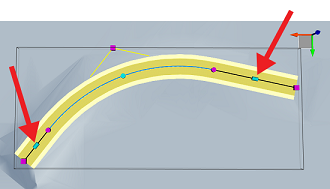 |
| Tangent point modifies the start or end point of a curve. This manipulator affects the curve length and radius. |
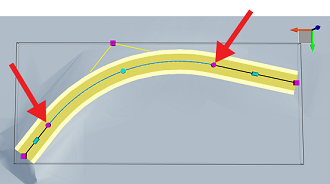 |
| Curve Radius modifies the radius of a curve. |
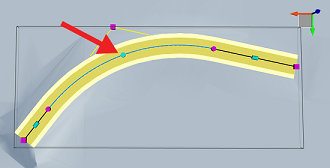 |
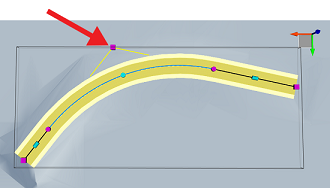
| Intersection point (IP) moves the point at which two straights intersect. |
 |