There are three options available in the "Arrangement on the drawing" area for better positioning relative to the objects presentation.
Dimension line must not overlap the total geometry
Select whether the dimension chain should be free of intersections with the dimensioned local geometry or with the total geometry of the detail.
| Option | Example |
| Abbreviation: G (Global)
|
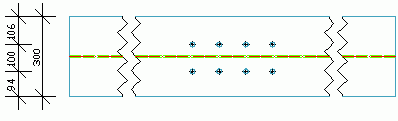
|
| Abbreviation: L (Local)
|
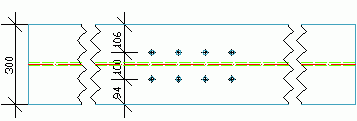
|


Arrange dimension line above and not below
This option defines whether the dimension chain is placed above or below a detail view. In the vertical detail views above is left and below is right.
| Option | Example |
| Abbreviation: T (Top)
|
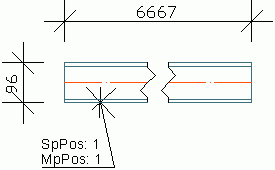
|
| Abbreviation: B (Bottom)
|
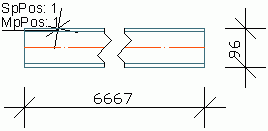
|


Create a separate dimension chain for each item marked with*
If this option is checked, for each single object detected in the model (e.g. bolt pattern) a dimension chain is created. If this option is not checked, all the detected objects are dimensioned in one dimension chain.
| Option | Result |
| Abbreviation: S (Single)
|
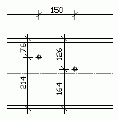
|
| Abbreviation: A (All)
|
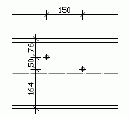
|


A bolt pattern creates only one dimension chain because it is just one object.
Example
Mp X - Extreme GTA - a dimension chain with the maximum dimensions of a main part.
G - no intersection with the total geometry
T - the dimensions are placed above the detail
A - all detected elements are dimensioned in one single dimension chain