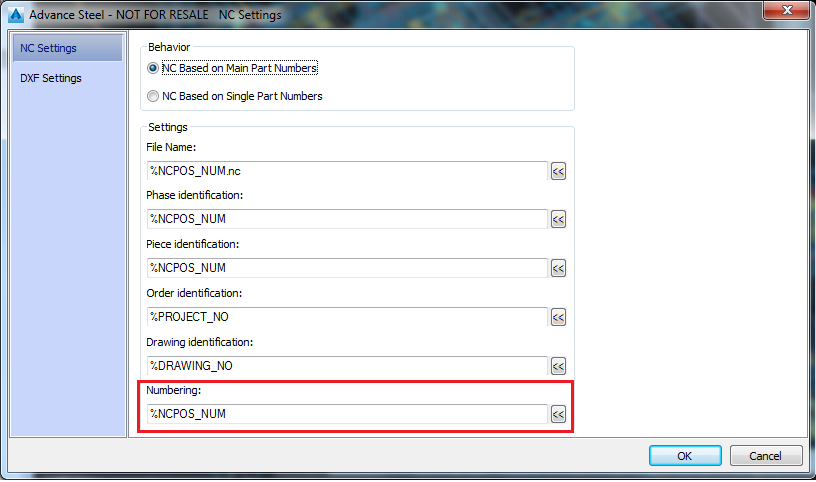
This new option allows the SI block to be created as multiple lines. This impacts the NC file through the addition of multiple SI lines, in the same block.
You can access the option by using the new %NEWLINE token in the signature configuration. The definition of the signature remains through a single line, but with the help of the new token you can force it to output in multiple lines when it goes in the NC file.
Arranging the SI lines is done through a couple of basic rules:
- first line is arranged as before, starting with the bottom-left corner, and at a set distance from the corner configured through the two Management Tools defaults for SI block distance.
- each new line will be arranged based on the previous text position, and the mechanism will first prefer to arrange the text above.
- the text will avoid collision with any object edge or inner contours, while keeping the arrangement method from the previous step.
You can use the new token in the NC Setting - Numbering section - %NEWLINE to create a configuration line that contains multiple lines. Each line should have at least one token that can evaluate a value (for example %NCPOS_NUM, which displays the object part mark).