In this step, you will create a Dual Domain mesh on the imported CAD model.
-
Click
 () to display the generate mesh panel.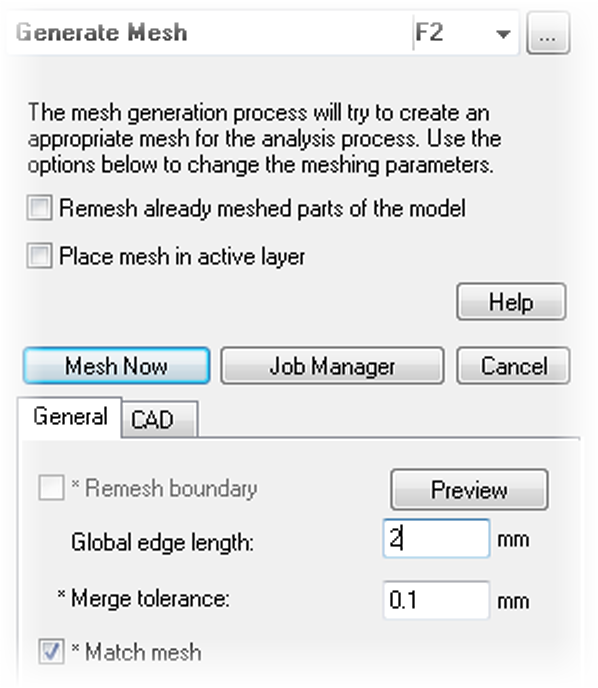
-
Enter 2 (mm) as the Global edge length , then click Mesh Now.
-
When the mesh is finished, click Logs at the bottom of the Synergy window to close the Logs panel.
-
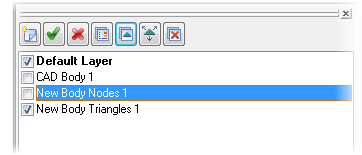
Deselect the New Body Nodes 1 layer in the Layers panel.