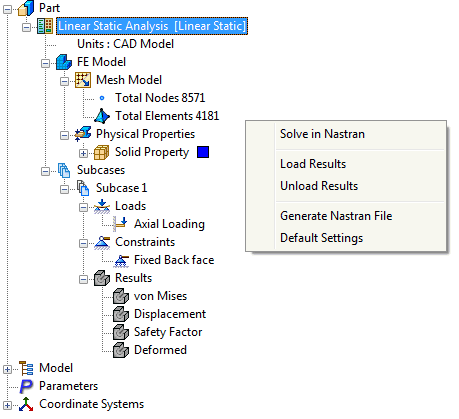
Right-click on Analysis and select Unload Results to delete any existing results in the analysis.
Although the results are deleted, the tree items and custom settings remain so that other results can be reloaded into the model if needed.
 You can also perform this command by right-clicking an empty space of the Autodesk Nastran Model tree and then selecting Unload Results.