In an analysis, right-click on FE Model and choose Edit. The FE Model form opens up.
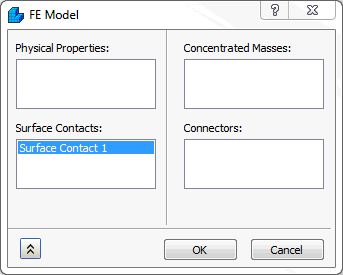
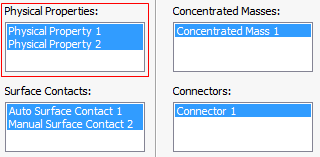
The form has the following main sections:
- Physical Properties
- Surface Contacts
- Concentrated Masses
- Connectors
Physical Properties can be selected here to be included in the analysis model.
Alternatively, all the listed entities above can be dragged and dropped from the tree onto the FE Model.
Once the Physical Property is added to the FE Model, the software creates a single node with all the Physical Properties. This will allow you to create a new Physical Property without going to the Model tree. It also allows the dragging and dropping from the Model tree - Physical Properties to this single node.
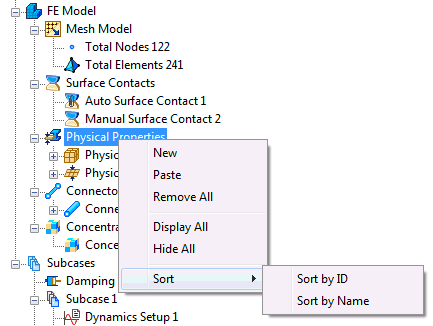
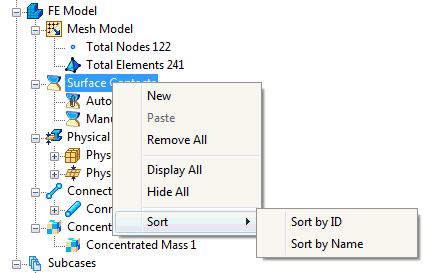
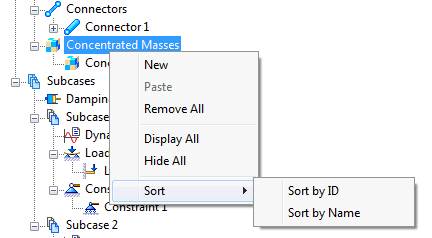
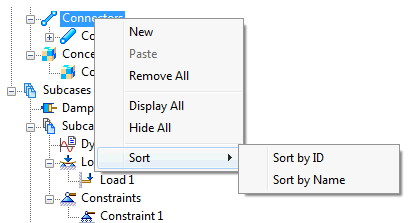
Right-click on Physical Properties. The following options are available:
- New
- Paste
- Remove All
- Display All
- Hide All
- Sort:
- Sort by ID
- Sort by Name
As Physical Properties, the Surface Contacts, Concentrated Masses and Connectors can also be selected here to be included in the analysis and have the same features.