This option allows you to choose any one analysis type to be active. All other analyses are grayed out. Right-click on the Analysis name in the tree. Select Set as Active Analysis to activate the analysis.
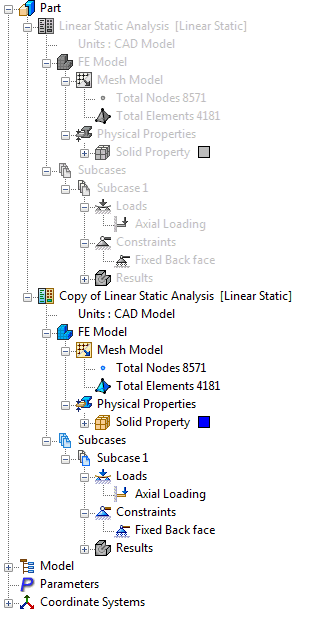
For example, a normal modes analysis may be analyzed first, followed by a nonlinear static analysis.
 Only one Nastran Bulk Data file is created when Solve in Nastran functions are used and therefore only one result file is created. For different analysis types and storage of different result files it is recommended that a new part file be saved as a different name.