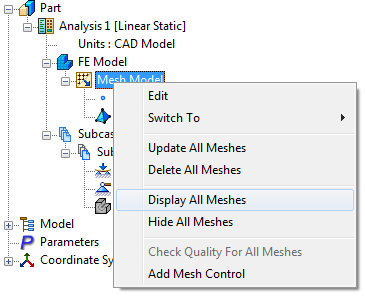
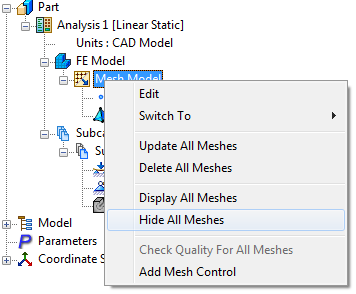
These options allow you to display or hide the meshes respectively on all components. This can be useful if, for example, a quick snapshot of the model is needed without element display.
They can be easily accessed by clicking Show/Hide Mesh icon on the Mesh panel on the ribbon bar, or by right-clicking Mesh Model and selecting Display All Meshes and Hide All Meshes.