For Line Elements:
This form is only active when the Property Input or Cross Section option is selected under Line Element Properties in the Input Type section on the Physical Property form.
Property Input
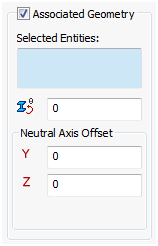
Cross Section
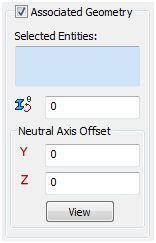
- Selected Entities: This displays the sketch curves to be associated with the property input.
- Rotation Angle (deg)
 : This allows the section to be rotated so that proper orientation of the section is obtained.
 -
Neutral Axis Offset:
- Y (in): This allows the section to be offset in the elemental Y direction.
- Z (in): This allows the section to be offset in the elemental Z direction.
- View: Shows the neutral coordinate system of the selected line. The X-axis is from End A to End B of the line element and the Y-axis is the vertical direction in the cross section.
 The Display Coordinate System option must be allowed in order to be able to view this feature.
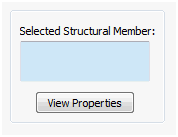
When the Structural Member option is selected under Line Element Properties in the Input Type section on the Physical Property form, the View Properties button allows you to select the structural member weldments.
For Shell Elements:
This form is active when the Standard or Laminate option is selected under Shell Element Properties on the Physical Property form.
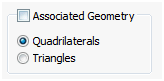
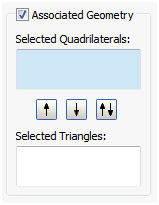
You can assign different properties to different faces. In the example shown below, the bottom face needs a thickness of 1.0mm and the side face needs a laminate property.
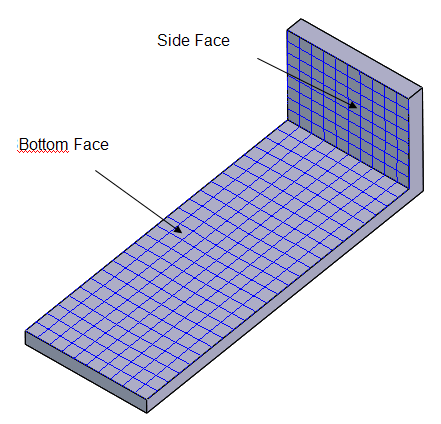
Each face will have a different property assigned.
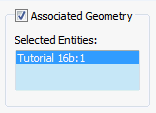
- In the Associated Geometry section, select the bottom face and then select the Standard property button. Give this plane a thickness of 1.0mm (0.001m).
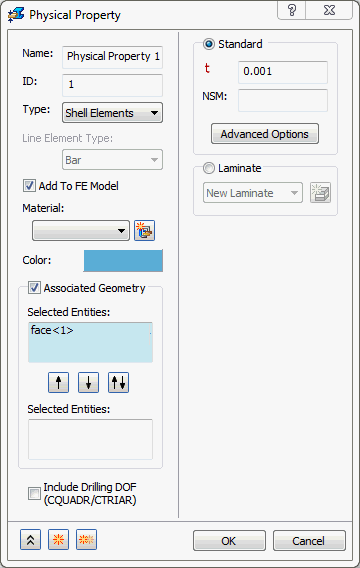
- In the Associated Geometry section, select the side face and then click the Laminate property button.
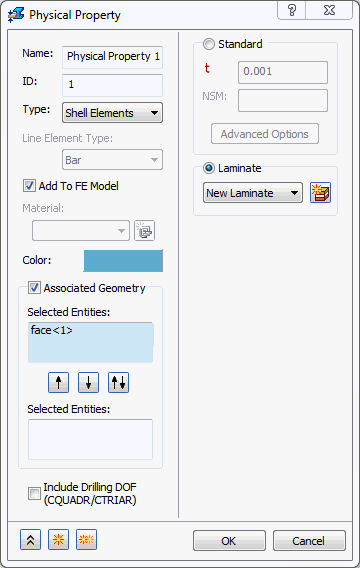
- Click on New Laminate to create a laminate property assigned as a composite lay up to the vertical side face as shown in the table below:
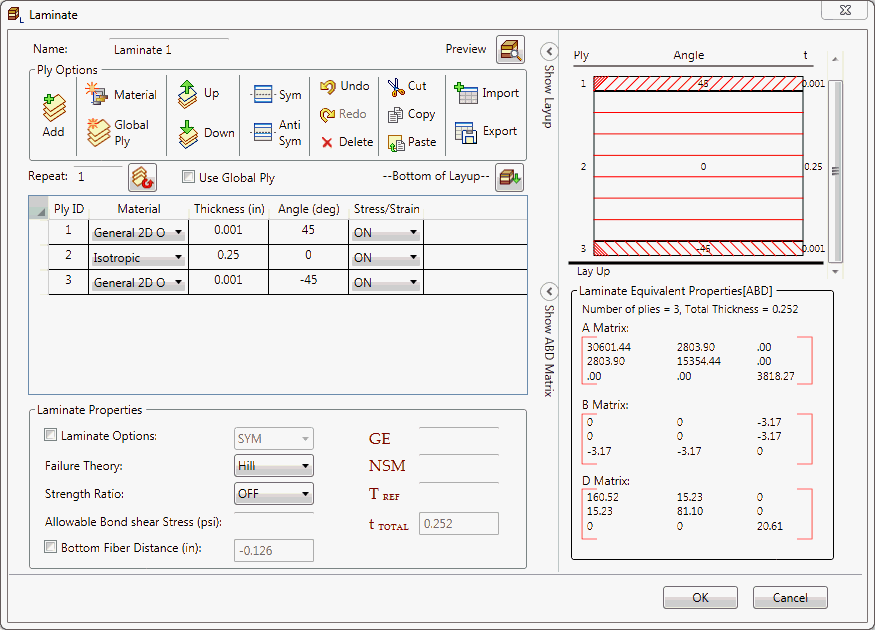
- The combined thickness of all plies is the thickness of the vertical plate, 0.252in.
For Solid Elements:
This form allows you to assign different properties for two bodies when the Solid Element Properties is selected on the Physical Property form.
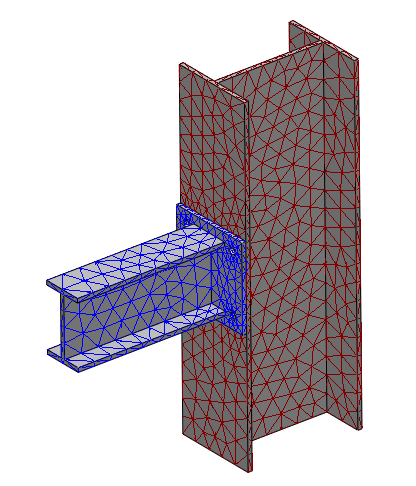
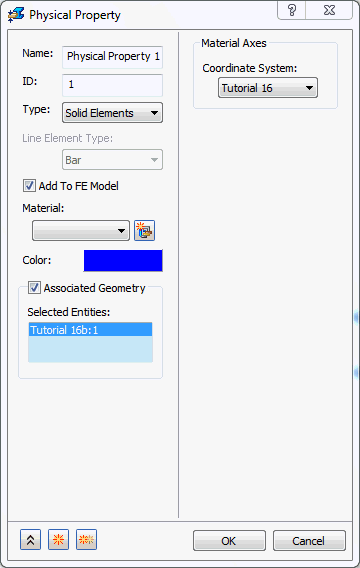
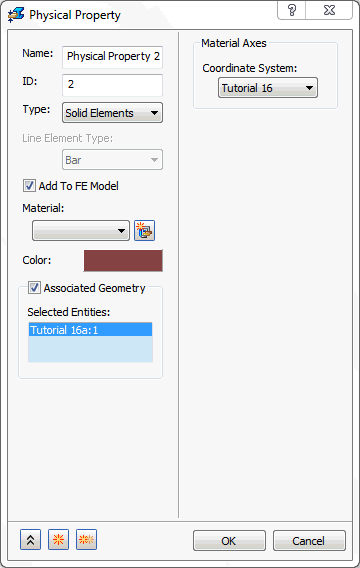
In the example shown below, the vertical I-section part (blue) and horizontal I-section part (brown) are selected in two different physical properties with two different colors.