Imports piping from a PCF file to the 3D model.
Summary
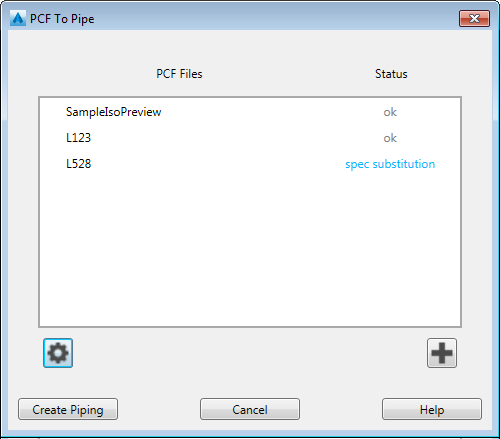
Adds piping from one or more PCF files to the 3D model.
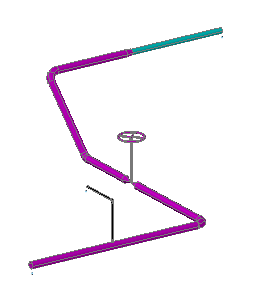
For example, the PCF used in the Live Preview adds piping, fittings, and valves to the model.
Options
 Settings
Displays the PCF to Pipe Settings dialog box.
Nominal Size or [?]: Specify a nominal size including units, enter ?, or press Enter.
- ? - List sizes
-
Lists the nominal diameter of pipe available in the pipe spec.
 Add
Add
Adds one or more PCF file names.
Pipe Specification or [?]: Specify a pipe spec, enter ?, or press Enter.
- ? - List names
-
Lists the pipe spec names.
Create Piping
Imports PCF files to the current 3D model.
Log File
Available after adding pipe to the model. Displays any errors or warnings that occur during import. Piping components that use the placeholder spec are also listed.
Log files are created in a project folder ( \Plant_3D_Models\logs ).