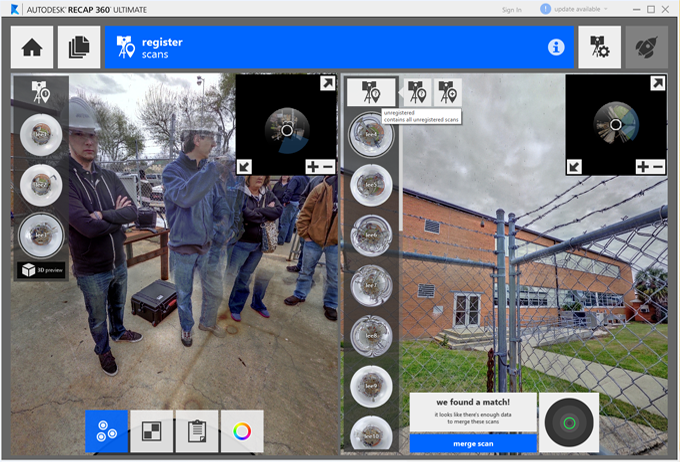
Registration can be completed through the cloud to cloud technique whenever auto registration fails or in place of it. The tool can be accessed during the registration process from the bottom tool bar.
The left pane contains your primary scan group to which you are registering. You should think of it as unregistered scans moving from the right pane and into the left pane once registered correctly. To register a scan, select a scan in each pane then place three points in corresponding locations between the two.
You can also identify targets in scans to get target reporting information and enhance registration quality.
TIP: use new scan groups for tricky areas (e.g. different floors), then merge scan groups later by connecting one scan from each group.
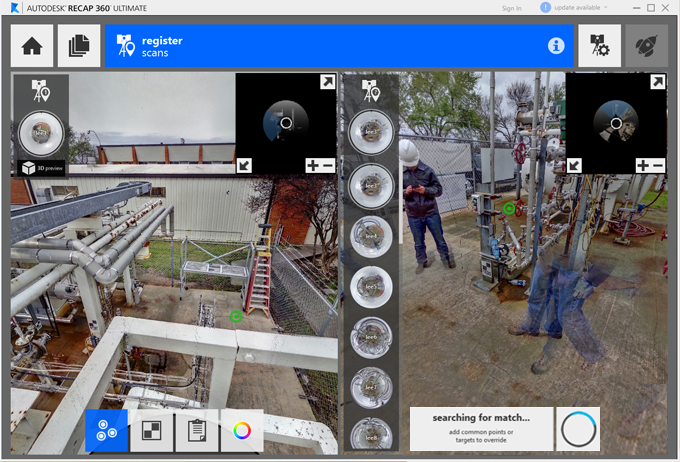
Once three points are placed in each scan, the registration process will automatically run again.
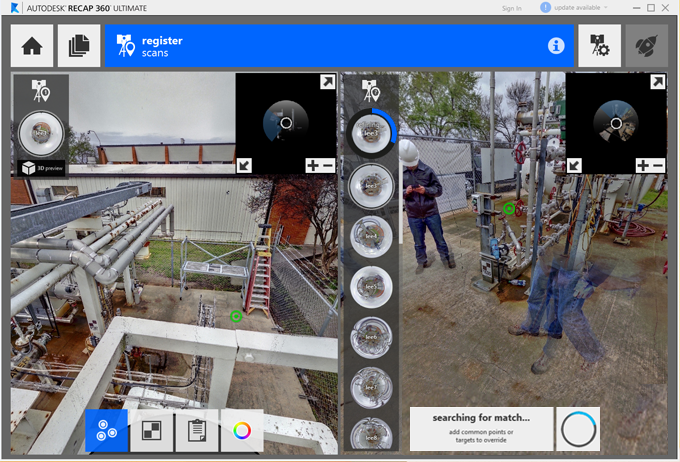
If registration completes correctly the scan will automatically merge into the main scan group.
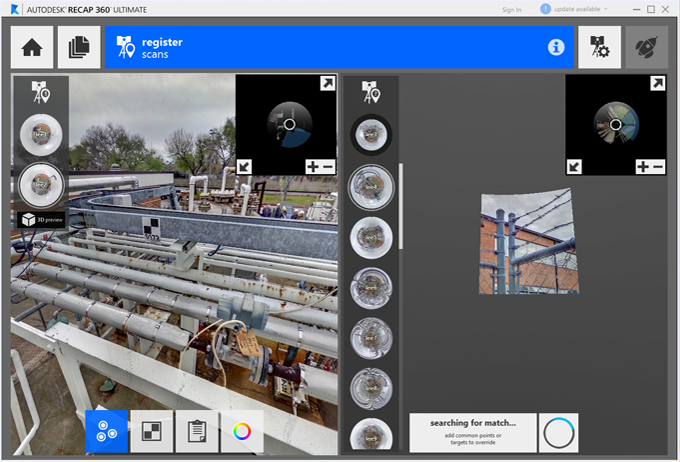
Otherwise you will be given feedback on scan accuracy and asked to either refine or accept the results.
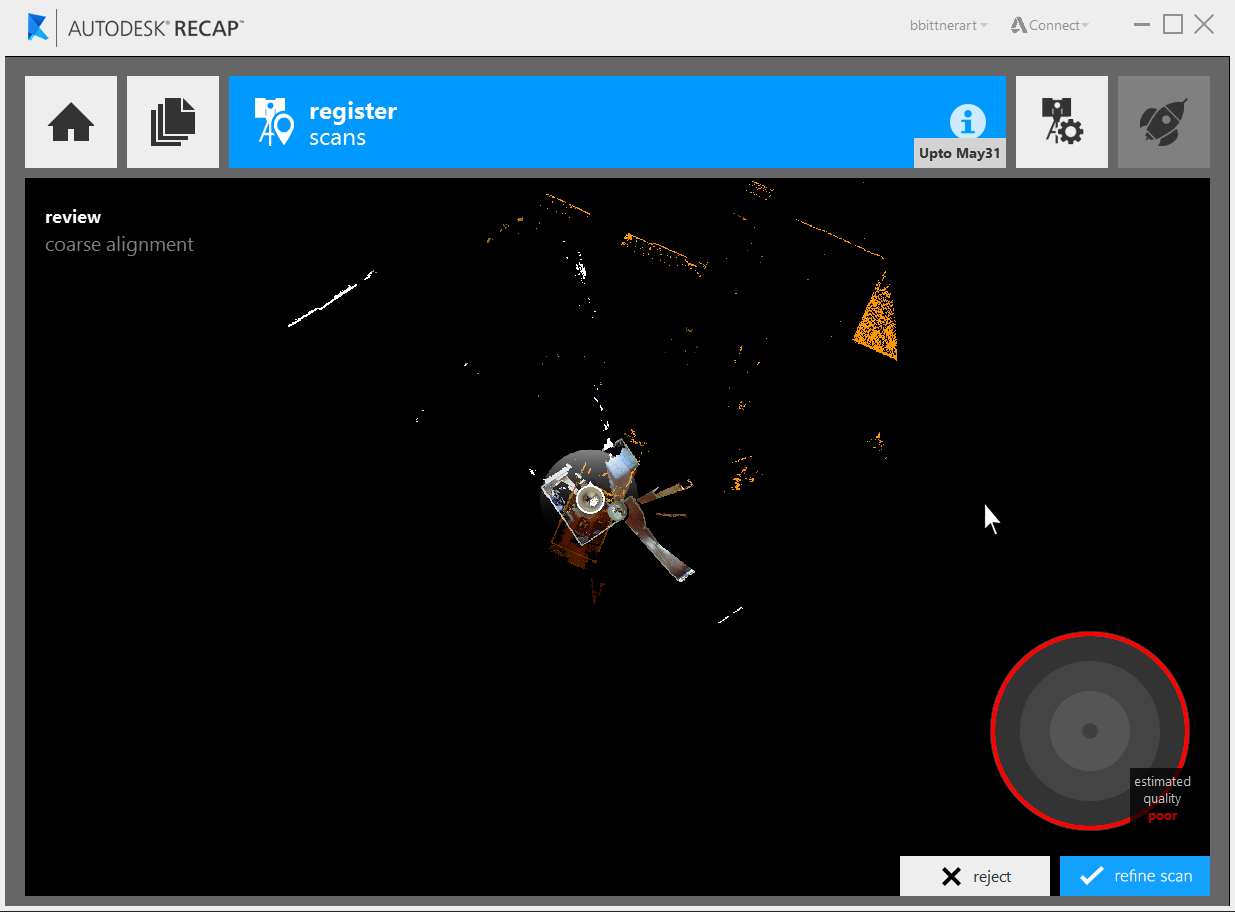
Refining will generally fix issues with registration. If results are still poor you may need to attempt the registration again by selecting new points.
Scan groups can be created and used to merge sets of scans together. Groups can be edited and accessed through flyout menus at the top of each scan list.