A variety of settings can be applied before the project is indexed and finalized. These are accessed from the Settings tab during the Project creation process.
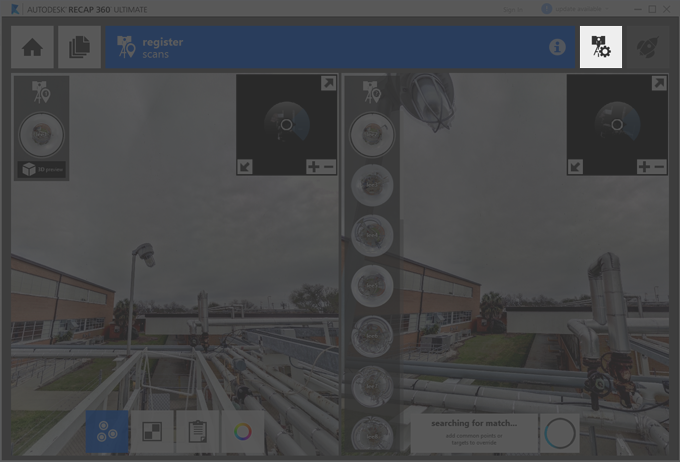
Noise filter. Determines how aggressively stray points are excluded from the imported scan file.
Distance range. Sets which points are included in the imported scan based on a minimum and maximum distance from the scanner.
Intensity range. Sets the range of points that are imported based on intensity (reflection) values.
Decimation grid. Controls the number of points to import by specifying the smallest cubic volume that a single point can occupy. Lower values improve the quality of the point cloud but also increase the file size.
Coordinate system. Aligns the point cloud with a specific ESPG coordinate reference system.
Noise Filter
Determines how aggressively stray points are excluded from the imported scan file.
Options:
- · None. Preserves all points.
- · Standard. Preserves most points, filtering only isolated points that do not appear to be part of the surface or object.
- · Aggressive. Preserves only points that are part of a surface or object.
Boundary and Intensity Limitations
Sets the size of the point cloud by setting distance and intensity ranges.
Move the sliders to set values for one or both of the following settings:
- · Range Clipping. Determines the maximum and minimum distance from the scanner at which the points should be included.
- · Intensity Clipping. Determines the range of intensity values to allow for included points.
Decimation Grid
Controls the number of points imported with the point cloud by specifying the smallest cubic volume that a single point can occupy.
In the Decimation edit box, drag the slider to specify a value that represents the cubic volume of a single point in millimeters.
Lower values increase the number of points that are imported, improving the density of the point cloud, but also increasing the size of the file.
Coordinate System
Aligns the point cloud with a specific ESPG coordinate reference system.
To search for a specific coordinate system, click in the Current box and enter a few letters of the name, description, or ESPG code.
The results for all matching categories are displayed in the list.
Select a new target coordinate system from the list and click OK.