Opening and Viewing
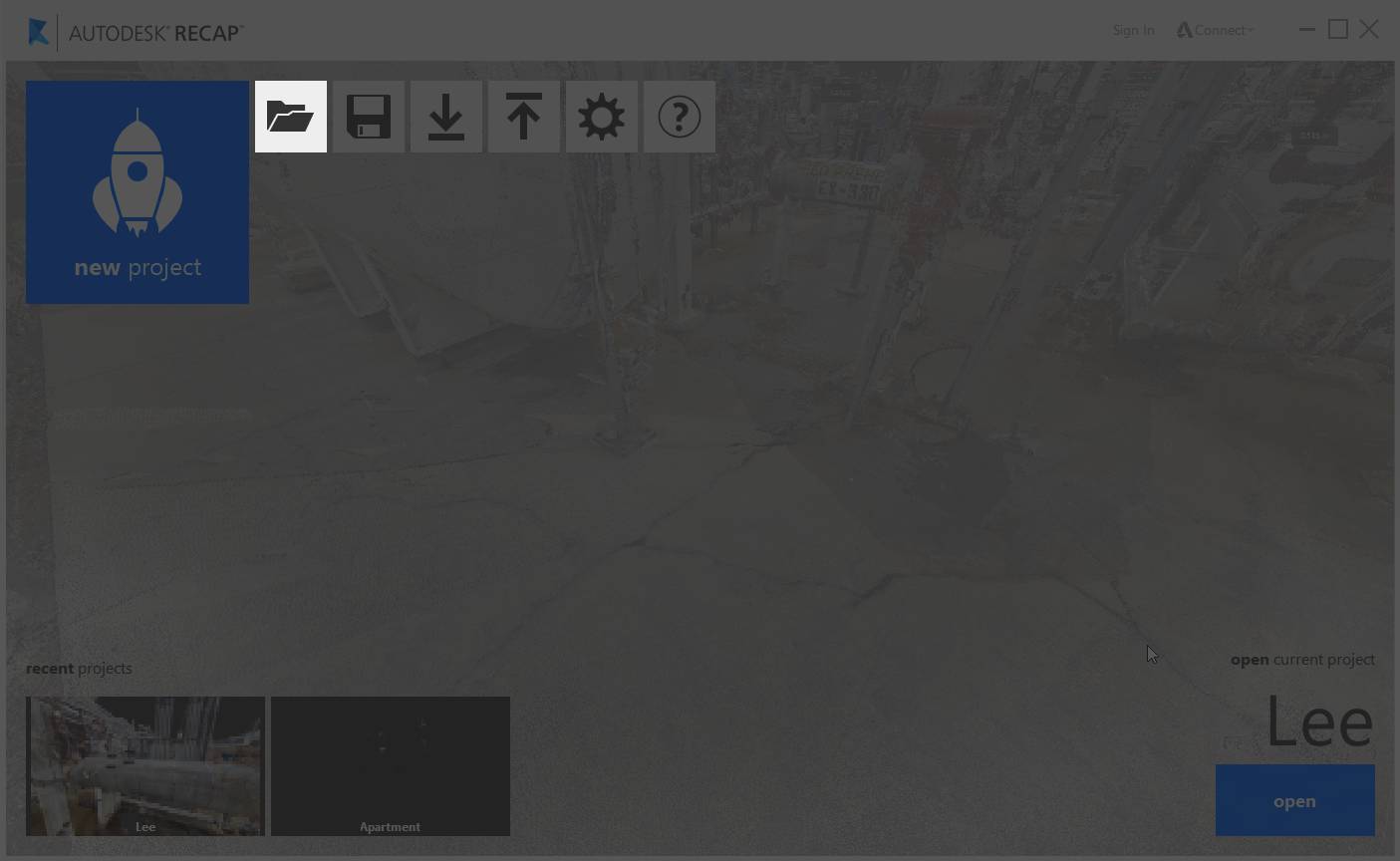
To open an individual scan or package file in ReCap simply use the Open button located here:
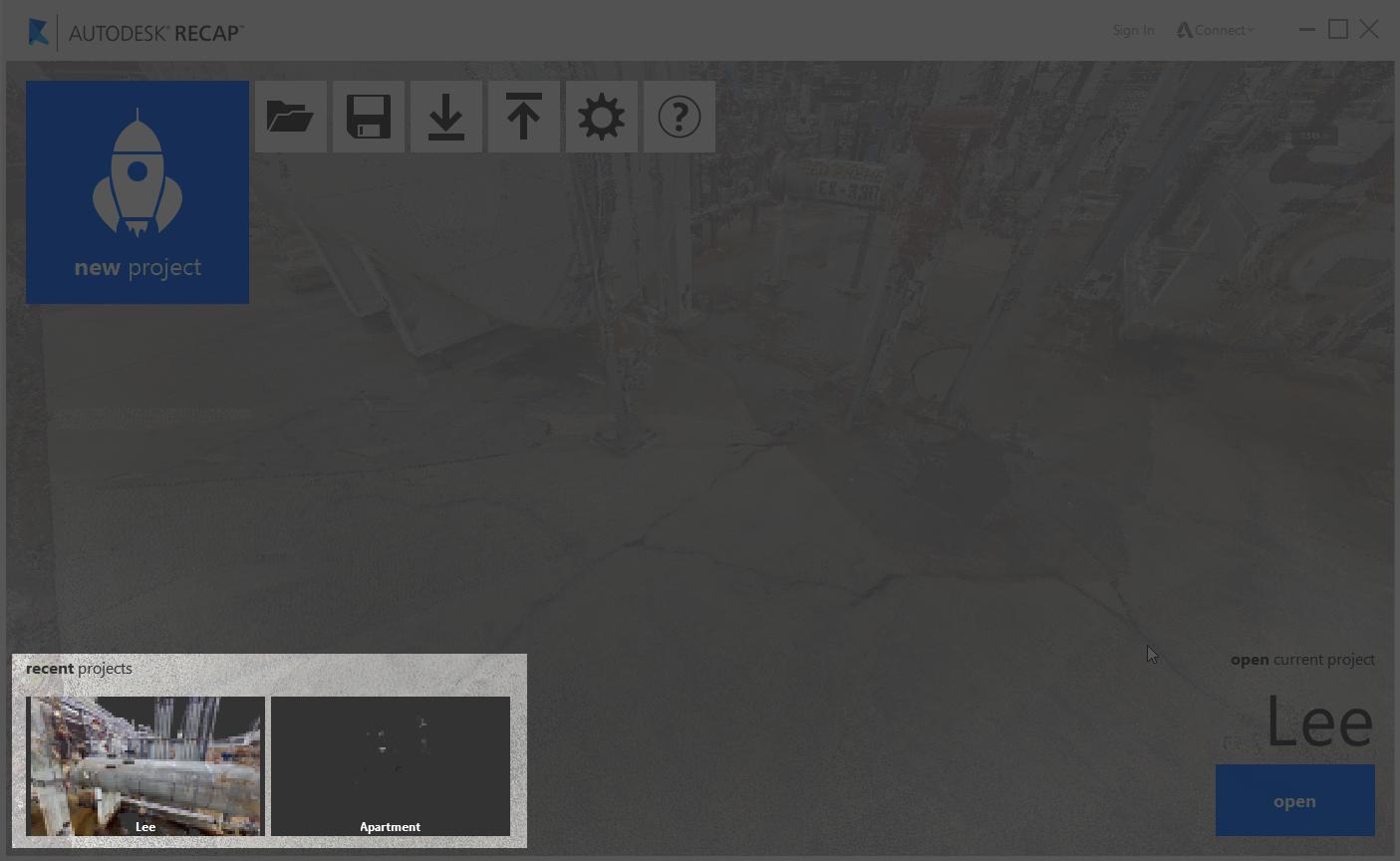
Recent files or projects you have viewed are listed at the bottom of the screen:
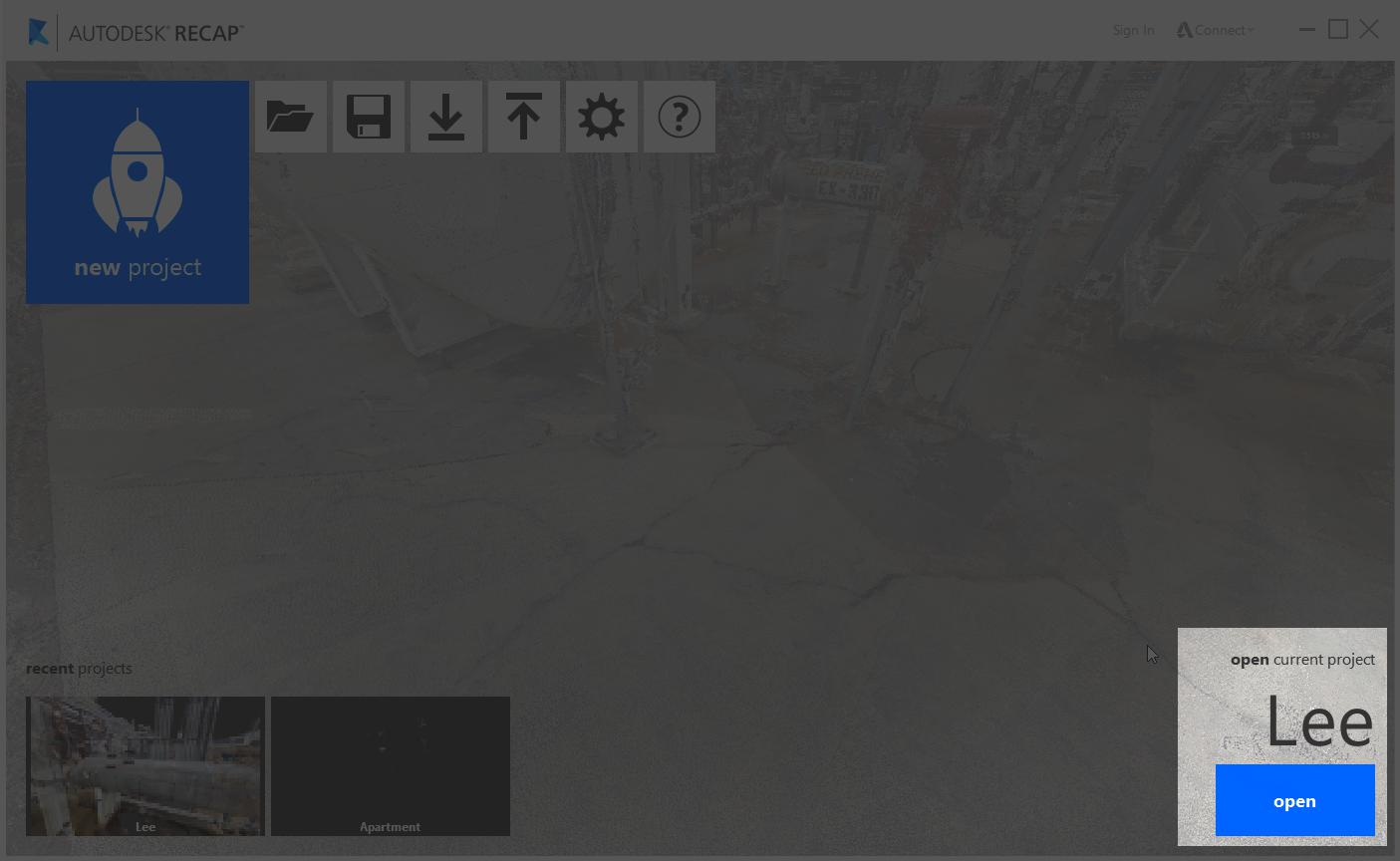
The last document you viewed is displayed as the application background and can be opened by clicking anywhere on its preview image or on the "open" button next to the file name:
Recent projects are also available at anytime through the application's main menu. Simply hover over the home button and proceed to the "Recent Projects" flyout. A list will be provided for you there to quickly switch between projects.