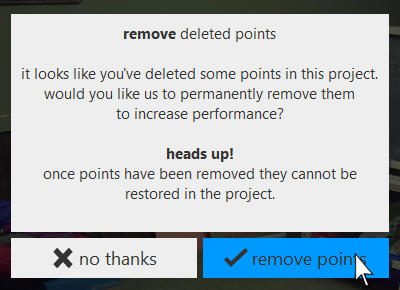
Additional data optimization for deleted points can be done during project save. This can be done in one of two ways.
- When you save the project, ReCap asks if you wish to optimize it. This process rewrites the scan files, marking each deleted point as such. The deleted points remain in the file, and are recoverable. But ReCap will be able to utilize the markings to greatly improve runtime performance.
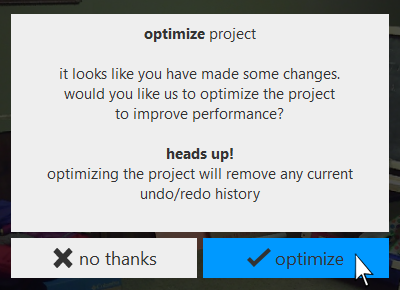
- To remove the deleted points completely, do a save as operation. Once again, ReCap asks if you wish to optimize. In this case, the new project is re-written with deleted points completely removed.