Use graphics window tools to quickly choose commands.
Marking Menu
Right-click in the graphics window to view the marking and overflow menus. Once you are familiar with the marking menu layout, take advantage of the marking mode for more efficient workflows.
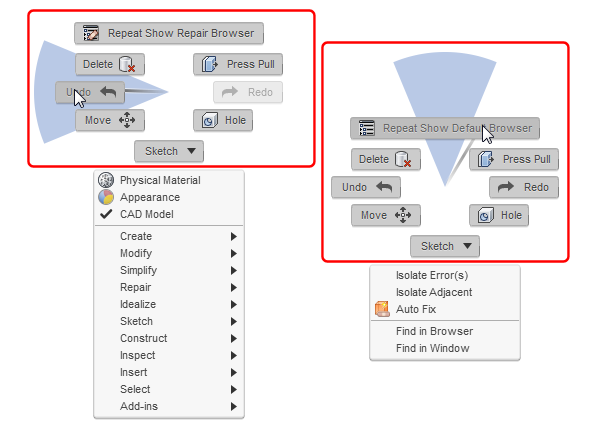
Highlights:
-
Menu mode
- Access frequently used commands.
- Move the cursor around the radial menu to display command wedges.
- Click anywhere in the wedge to select the command.
-
Marking mode
- Access marking menu commands with one less mouse-click.
- Imagine an invisible marking menu - press and hold down the right mouse button and immediately drag the cursor in the direction of a command.
Overflow Menu
Below the marking menu, you can access the overflow menu.
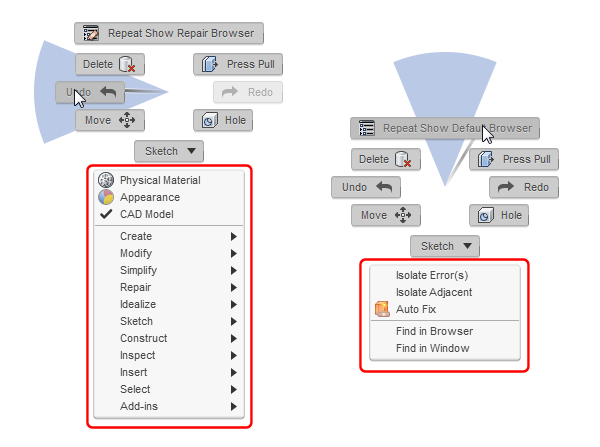
Highlights:
- Access commands available in the current context.
- Select an object in the graphics window and use Find in Browser to locate the object in the browser.
- For more about Select, see Selection Tool.