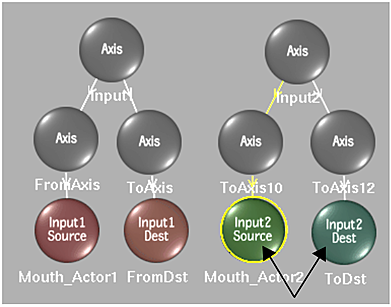
Morphs work best when the source spline and destination spline have the same orientation—that is, were both drawn clockwise or counterclockwise—and the same number of vertices. You can ensure this is the case by drawing your spline on one input, then duplicating it to the other. To do this, first duplicate the spline, and then “move” the duplicate using the Morph menu's Toggle Input button. It toggles the selected spline from one input to the other.
Tip: When morphing, you can duplicate splines and then toggle their input, which results in corresponding splines on the Front1 and Front2 clips that can then be linked for source interpolation.
To toggle a Spline node's input:
- Select the source or corresponding destination Spline node you want to change from Front1 (Input1) to Front2 (Input2), or from Front2 (Input2) to Front1 (Input1).
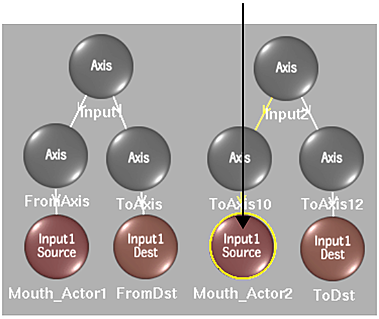 Note: You can also select the spline directly in the clip.
 - Click Toggle Input.
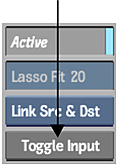
The source and destination spline nodes change either from Front1 (Input1) to Front2 (Input2), or from Front2 (Input2) to Front1 (Input1).