Access online Help and other product information.
Click Help to see the online Help file for Simulation Utility and other Netfabb products.
Click Product Information to see the software version identifier, and a list of trademarks and third-party software licenses.
Click License Manager to see the Autodesk licenses in use in the current session, along with any plugins, add-ons, or extensions. If the license has a Borrow button, you can click it to borrow a license for your computer and take it off the network. The following dialog appears:
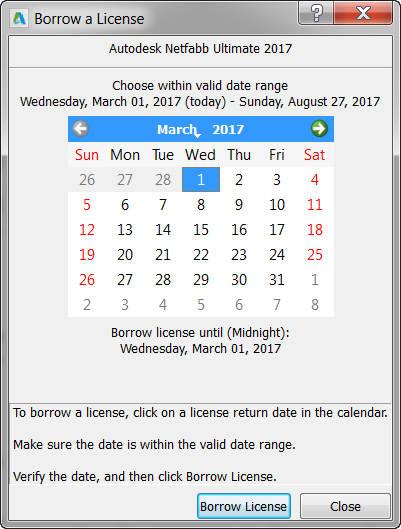
Click the date on which you expect to return the license to the network, then click Borrow License.