Publishing to the A360 Web Portal
ReCap 360 offers the ability for you publish your projects to the web and privately share them via email with whoever you wish. You also define collaborators' access permissions to specify at which level they can view or manipulate the file.
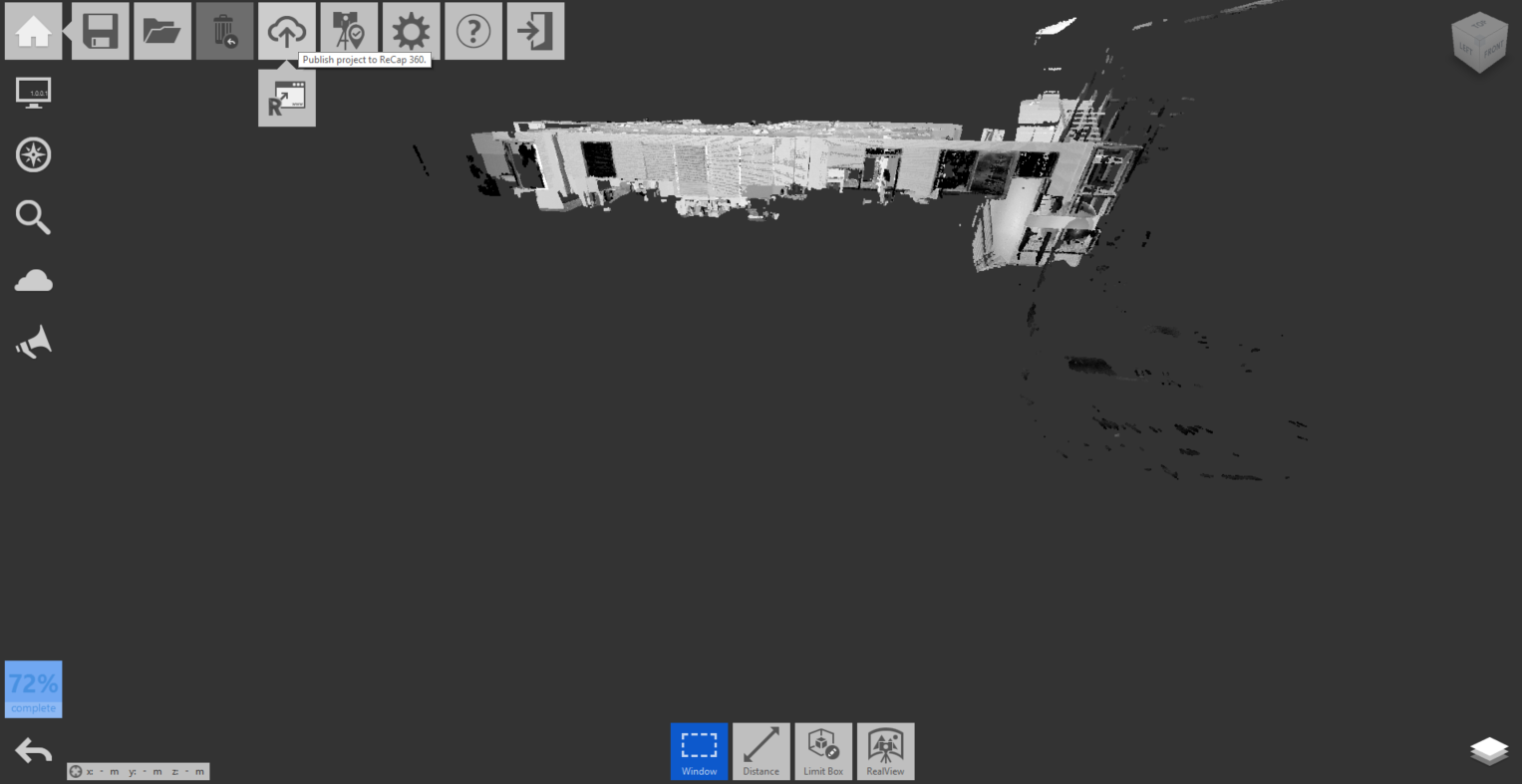
DesktopYour scan/point cloud projects can be published at any point to the ReCap 360 Web Portal through the ReCap 360 Home menu:
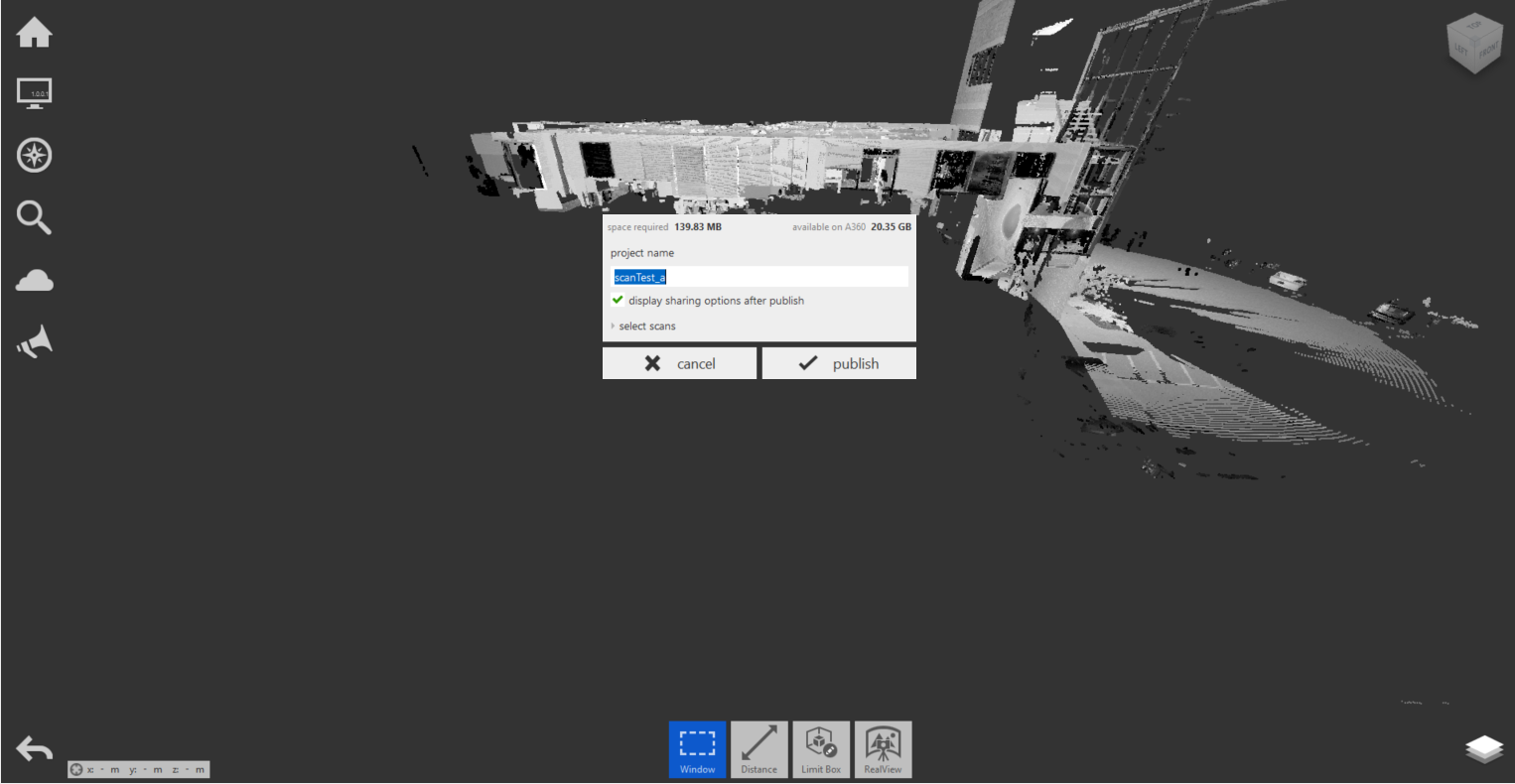
Once selected, you'll be given feedback on the necessary space required, options to name your project, and the option to select a subset of scans if you desire:
Feedback on upload progress is available in the title bar:
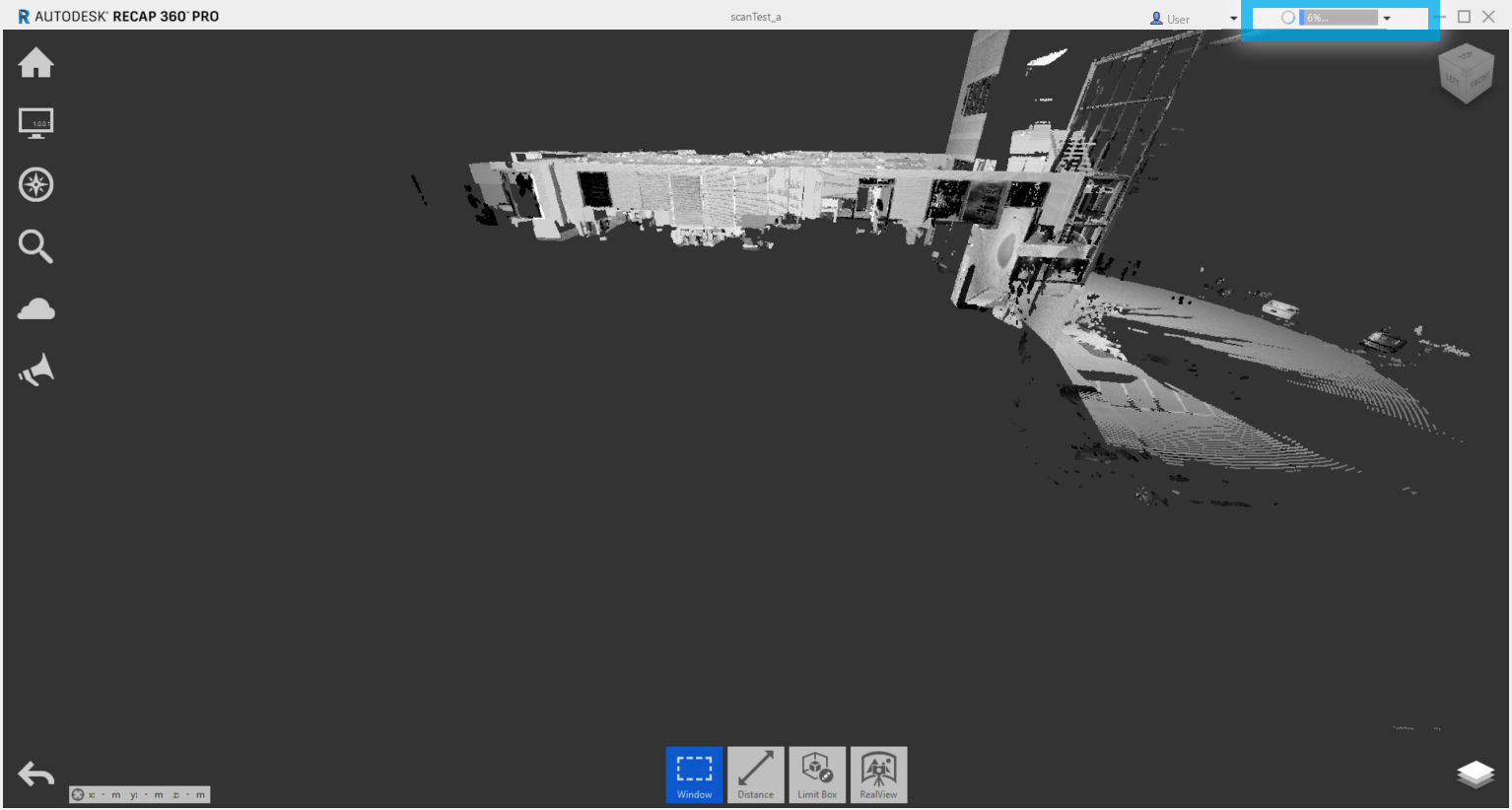
Photo (web) projects or projects published to ReCap 360's web dashboard from the desktop application are copied automatically into Autodesk's A360 web portal.
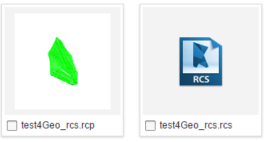
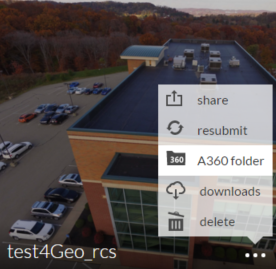
The only format that the A360 Drive exclusively publishes and stores is RCP generated from photo projects. This is produced automatically when selecting A360 Folder from the 3-dot dashboard menus of web-based photo projects. You will then be taken to view your project in its native format(s) as well as an RCP copy:
↓