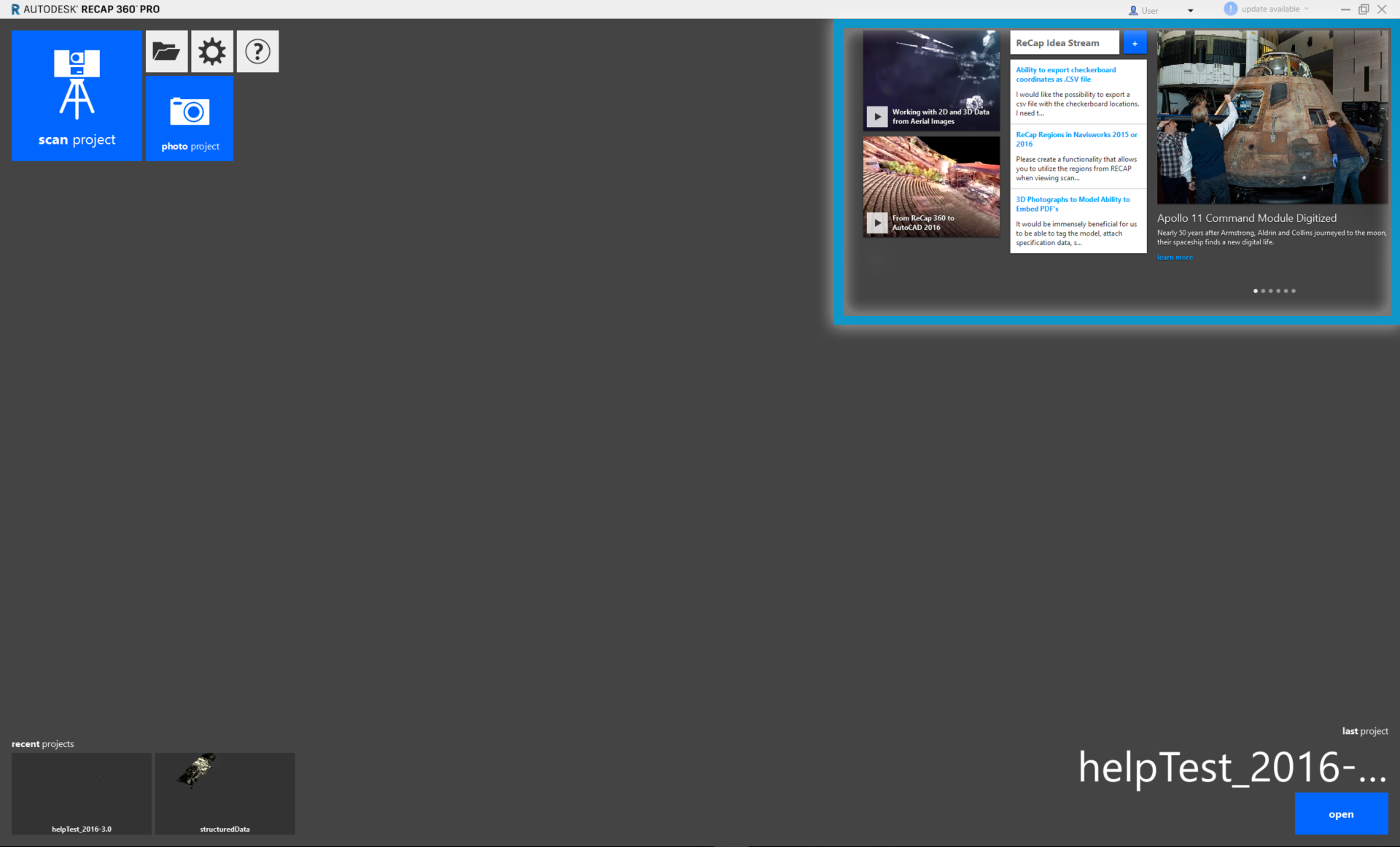
In this section, we'll cover all of the basics to help you create and view a new project in Autodesk ReCap 360 software. From importing files through viewing your clean data, you will find the information you need to get started with editing and collaboration; then you can advance to this documentation's other sections for specific tasks.
To get going, you'll want to understand a little more about the data you'll be viewing and creating within the application. ReCap 360 lets you view and manipulate point cloud data from a number of sources. These include project files that reference a large subset of indexed files, as well as standalone unified scan and photogrammetry projects.
Let's first look at the initial screen to understand some of the user interface (UI) that you will use for viewing and creating data.