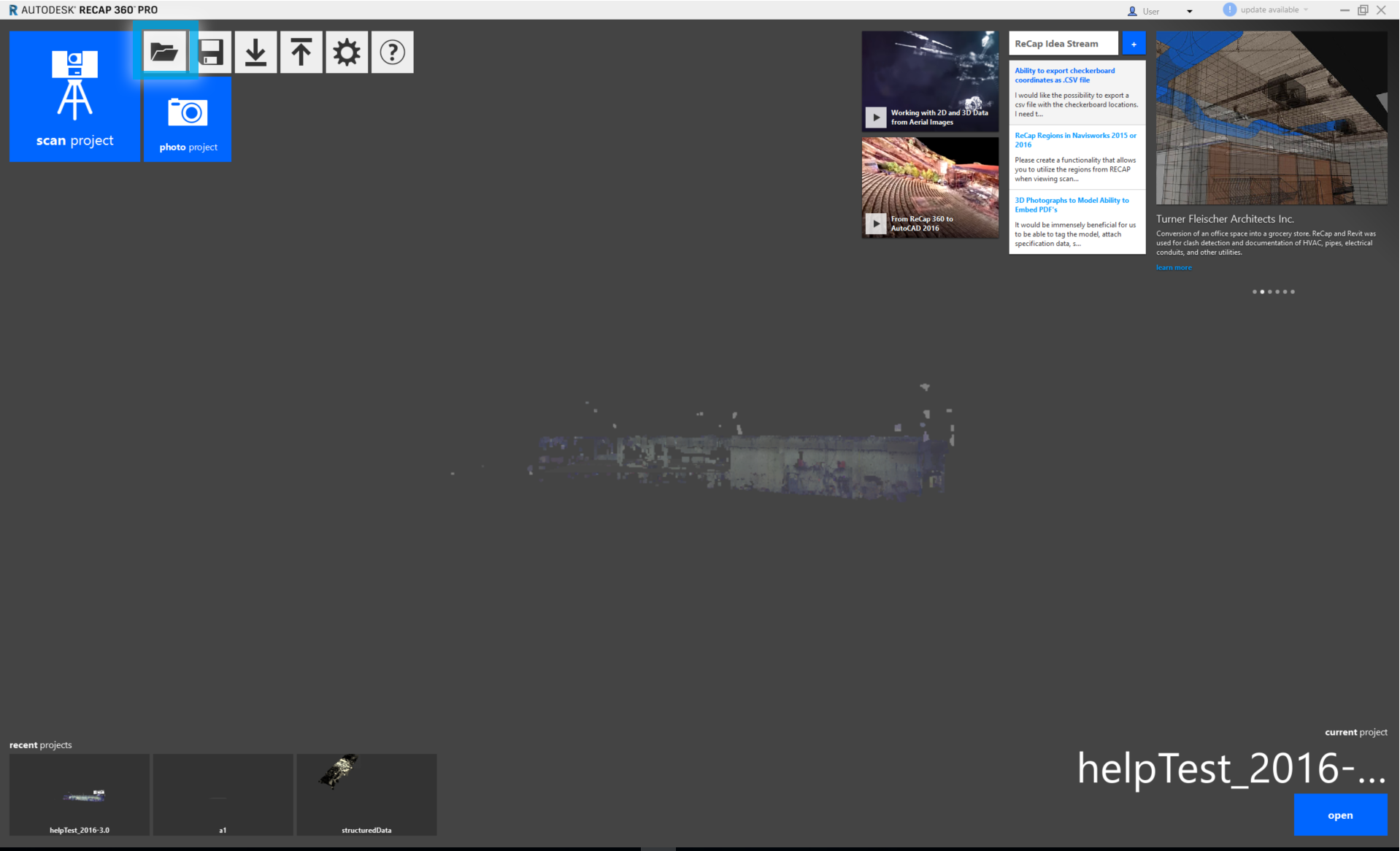
Importing and viewing of scan data is available in all tiers of ReCap 360. To open an individual scan or package file, simply use the open button:
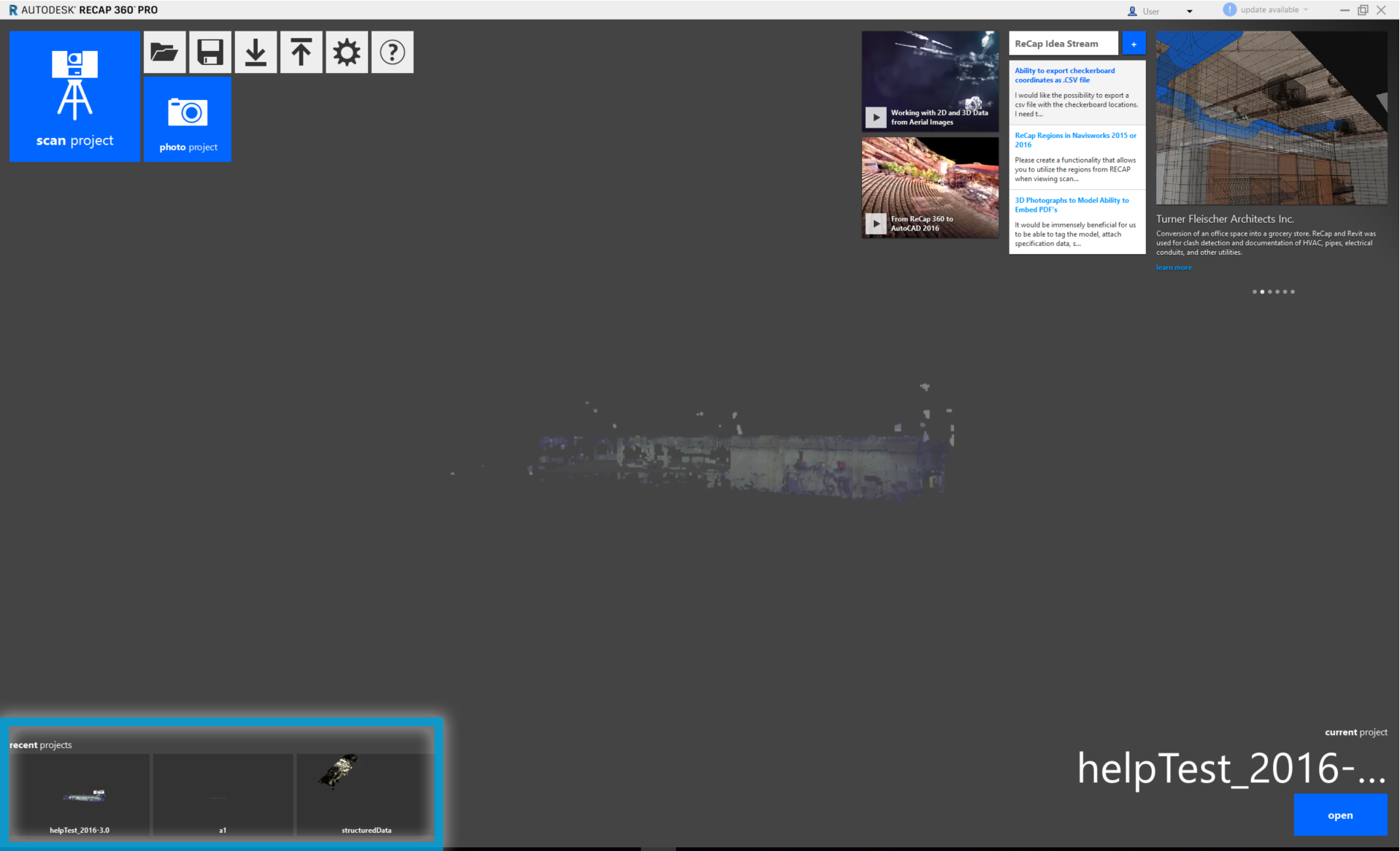
Recent files or projects you have viewed are listed at the bottom of the screen:
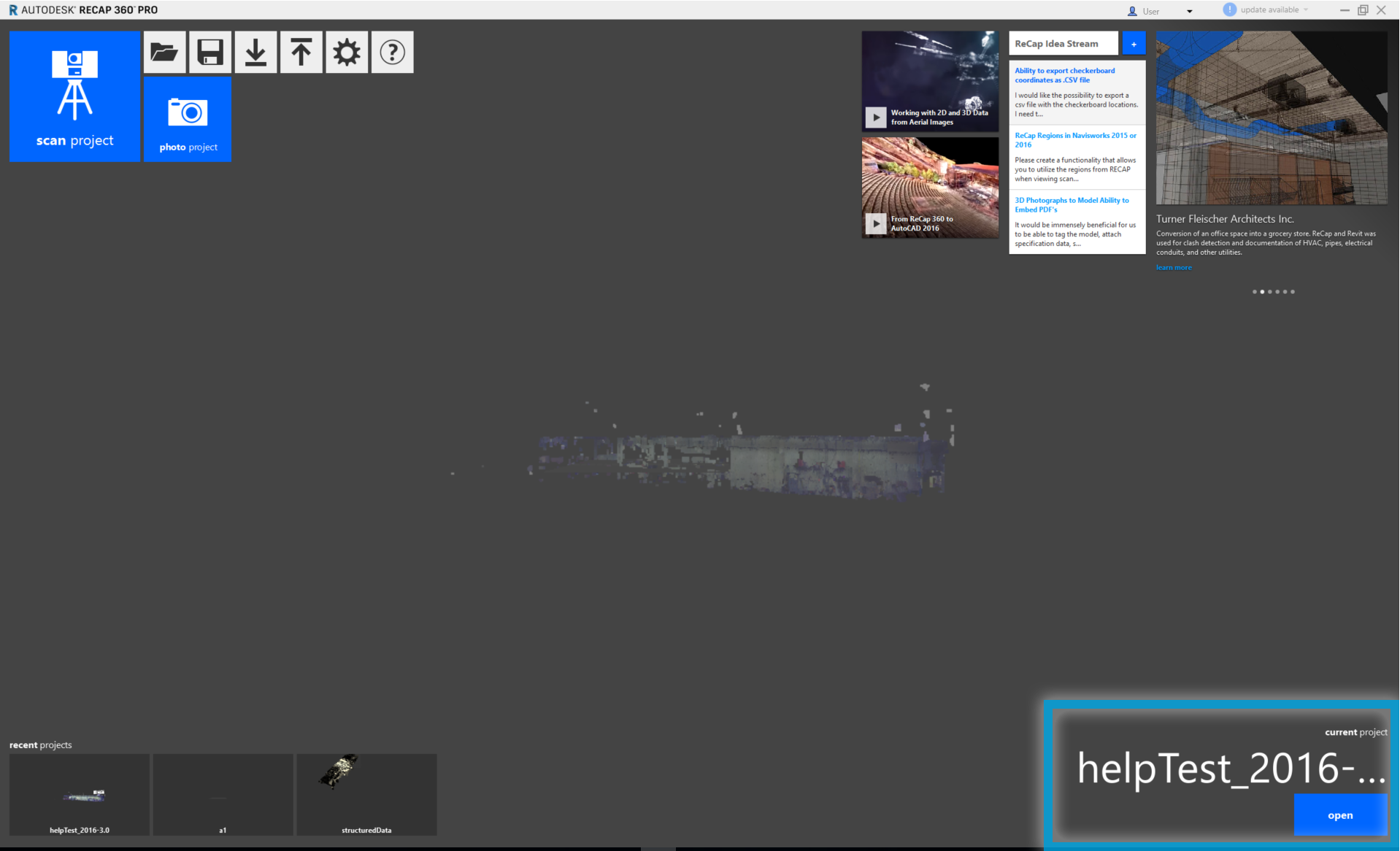
The last document that you viewed is displayed in a noninvasive opacity as the application background, and can be opened by clicking anywhere on its preview image or on the
open button next to the file name:
Recent projects are also available at any time through the application's main menu. Simply hover over the home button and proceed to the "Recent Projects" flyout. A list will be provided for you there to quickly switch between projects.
*Please note that you will not have full application functionality unless you are signed into the application with your Autodesk account.