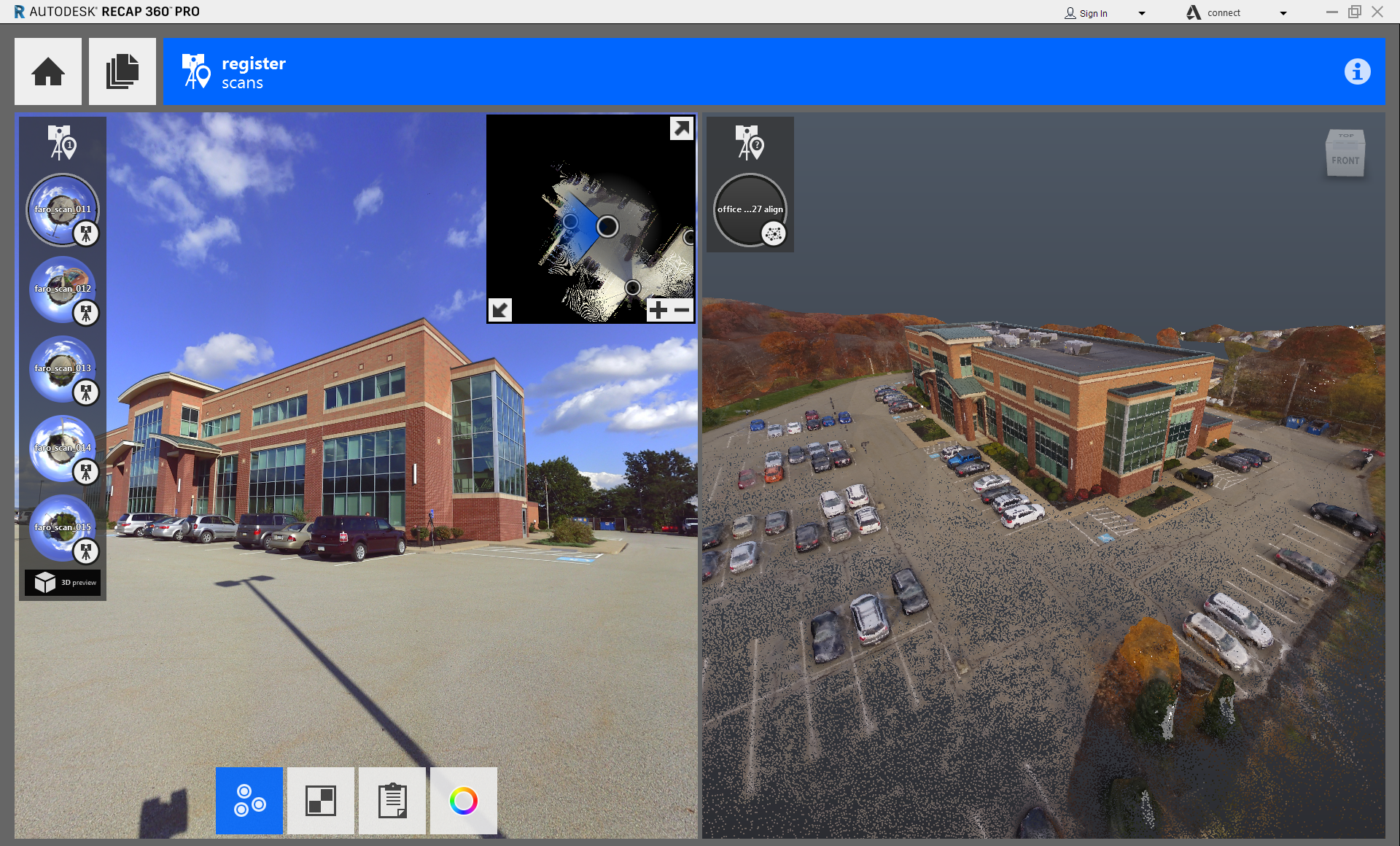
Add scan data to your project from a variety of sources.
Data sources can include terrestrial laser scanners, UAV images, mobile mapped scanners, and handheld sensors. It is possible to combine data from structured scans (fixed location) and unstructured scans (photogrammetry, handheld, or mobile) into a single ReCap project.
- With an existing scan project open, or during the project creation process, navigate to, and select files to add to the project.
- Select an unstructured file for registration.
The file opens in the right pane of your screen, and your view switches to a full 3D environment.
- Follow standard
Manual Registration procedure, selecting the same point features in each image.
You must enter at least three matched points between the two scans. For best results, ensure that the points are selected precisely. When ReCap has enough data to register the new scan, you see this dialog:

- To complete the registration, click Merge Scan.