Revit checks security credentials of add-ins.
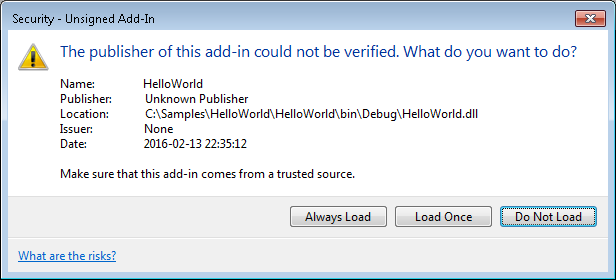
If an add-in is not digitally signed with a certificate issued by a trusted certificate authority, Revit pops up a dialog when opening asking the user to confirm if he/she wants to load the application. The figure below shows an example of the security warning dialog when an unsigned add-in is detected. The user is presented with choices of: 1) allowing the same add-in to always load from now on, 2) load only this time and ask again next time, and 3) do not allow to load the add-in.
If you are professional developer and your application is already digitally signed by a trusted certificate authority, your add-in is already compatible with the digital signature checking in Revit. The following sections are intended for developers who author add-ins, but who are not familiar with digital signing in Revit.