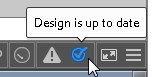
A progress bar shows on the Status Bar during validate and resolve process.

You can cancel validation by pressing ESC (escape) key during the process.
You can specify the time to delay the auto-validate and auto-resolve process. The auto-validate and auto-resolve won't run until the application is idle for the specified amount of time. To configure the time, see General Layout Options.
If the validation process is cancelled or delayed, or auto validation is disabled, all of the features that are not validated will have ignored notices on Validation Results palette (if "Ignored Notices" is set to show).
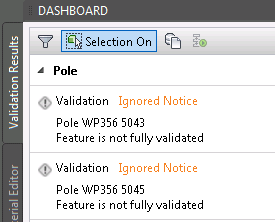
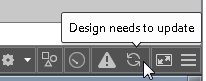
The Status Bar displays an icon indicating the status of validation. If the validation process is canceled or delayed, it shows "Design needs to update".
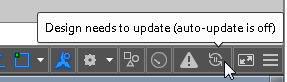
And if auto validation is disabled it shows "Design needs to update (auto-update is off)".
You can click the icon to complete all validation, or alternatively select the features requiring validation and click the "Resolve Selected" button to finish the process. Then it will show "Design is up to date".