When you place a user asset onto your factory layout, you can make changes to the customizable properties to fit your specific layout needs.
Asset properties are made up of Summary, Project, Descriptor, Process, and Layer settings that are defined when the asset is created. The asset author also has the option to define Customizable properties for tracking additional asset data.
To edit an asset's customizable properties:
- Click on the asset in your layout.
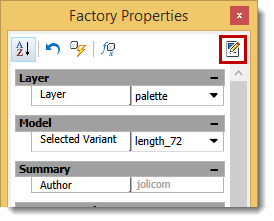
- Select Factory Properties in the Palettes drop-down menu on the Factory tab.
- Click the
Edit Customizable Properties icon:
- Make the necessary changes and click Update to update the asset.