In this task, you set up and run a packing analysis.
-
Click
 ().
(). -
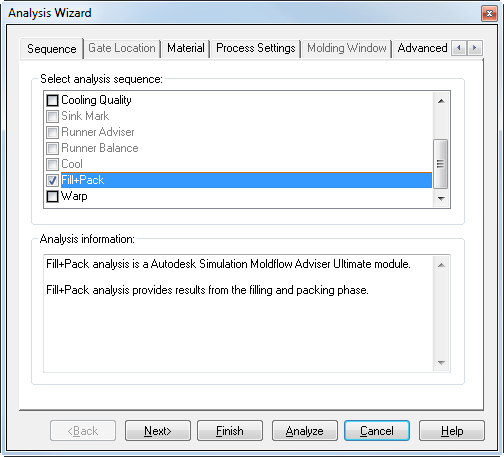
Uncheck Fill as the analysis sequence.
-
Check Fill+Pack as the analysis sequence, then click Next.
-
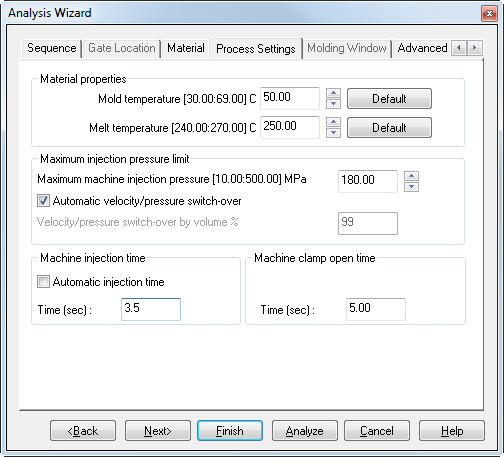
Confirm the material is Styron EUR, Magnum 3416 SC, then click Next.
-
Set the fill time to 3.5 seconds, then click Next.
-
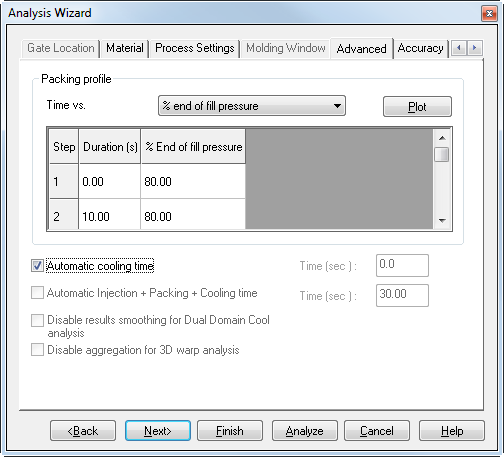
Select theAdvanced tab and review the Packing profile and ensure Automatic cooling time is selected .
-
Click Analyze
The analysis takes several minutes to run.