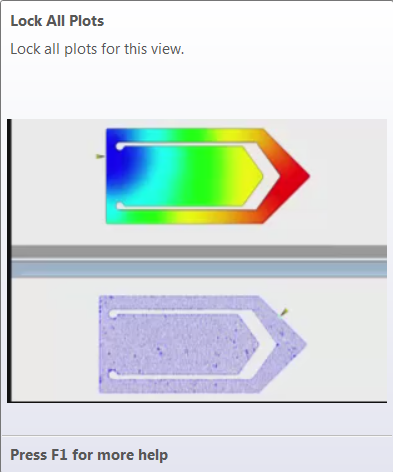
Some new buttons in the ribbon have short animations, called ToolClips. The help illustrates the functionality of the command.
When you pause the cursor over a command on the ribbon, a short text tip is displayed. After a couple of seconds, the tip window expands to show more information. The additional information can be text and include an image. Short ToolClips run automatically (15 seconds maximum), to show you what the tool does.
Access the ToolClips by pausing the cursor over the ribbon button.
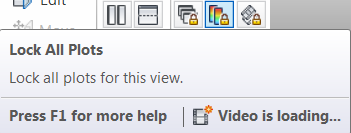
Example: Lock All Plots ToolTip...
The Tooltip opens and expands to show the ToolClip.