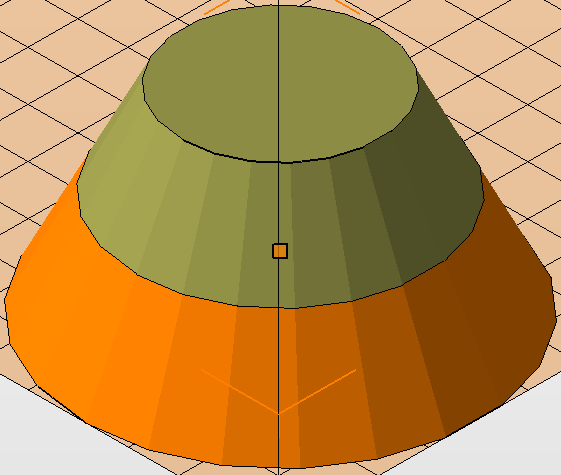
Simple cuts can be created from the context area to cut parts at angles parallel to the X, Y, and Z axes. To create a simple cut:
- Select the part.
- In the
clip planes frame of the context area, drag the sliders on any of the X, Y, or Z axes to position the cut plane(s).
Tip: You can also enter a distance manually to position the cut plane, or right-click the clip planes box and choose Set cut in X, Y, or Z and click on the part to set the plane to that position.
- Click a side of the clip planes box
 to hide a portion of the model above or below the cut plane.
Tip: Enable the Transparent Cuts check box to visualize the hidden region of the model in a transparent form.
to hide a portion of the model above or below the cut plane.
Tip: Enable the Transparent Cuts check box to visualize the hidden region of the model in a transparent form. - Choose a cutting option from the drop-down menu:
- Cut only selected parts
- Cut all parts
- Click
 Plane Cut next to the cutting options drop-down menu.
- Make the necessary adjustments.
- Click Cut.