Now we are ready to map results to the structural model.
- Switch to the Home tab and click
 ().
Note: In some cases, the results may be mapped automatically when adjusting the Weld Surface Properties.
().
Note: In some cases, the results may be mapped automatically when adjusting the Weld Surface Properties. - Rotate the model as necessary to examine the mapped results.
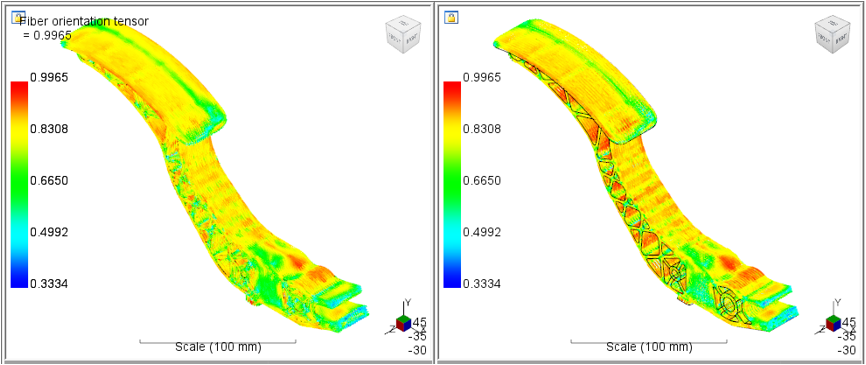
- Switch to the Weld Surfaces view (Home > View Results > Weld Surfaces) to see how the weld surfaces were mapped to the structural model.
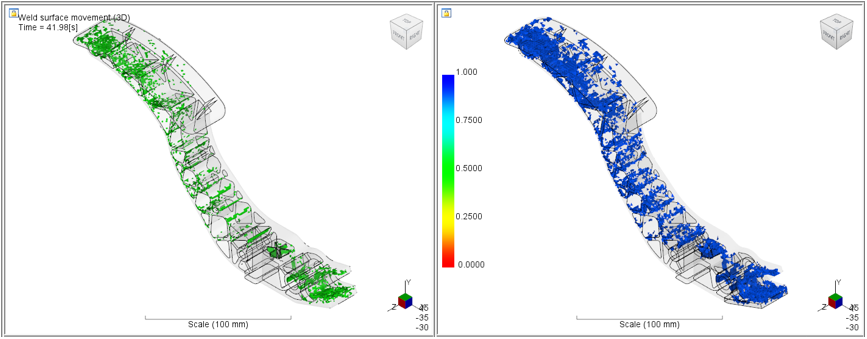
The contour plot on the structural model shows the strength reduction factors. Since we selected the user-specified value of 0.90, a constant strength reduction factor is used throughout the part.